What Your ADAS Warning Lights Actually Mean
The dash symbols behind lane, radar, and camera systems, decoded by a former calibration tech.

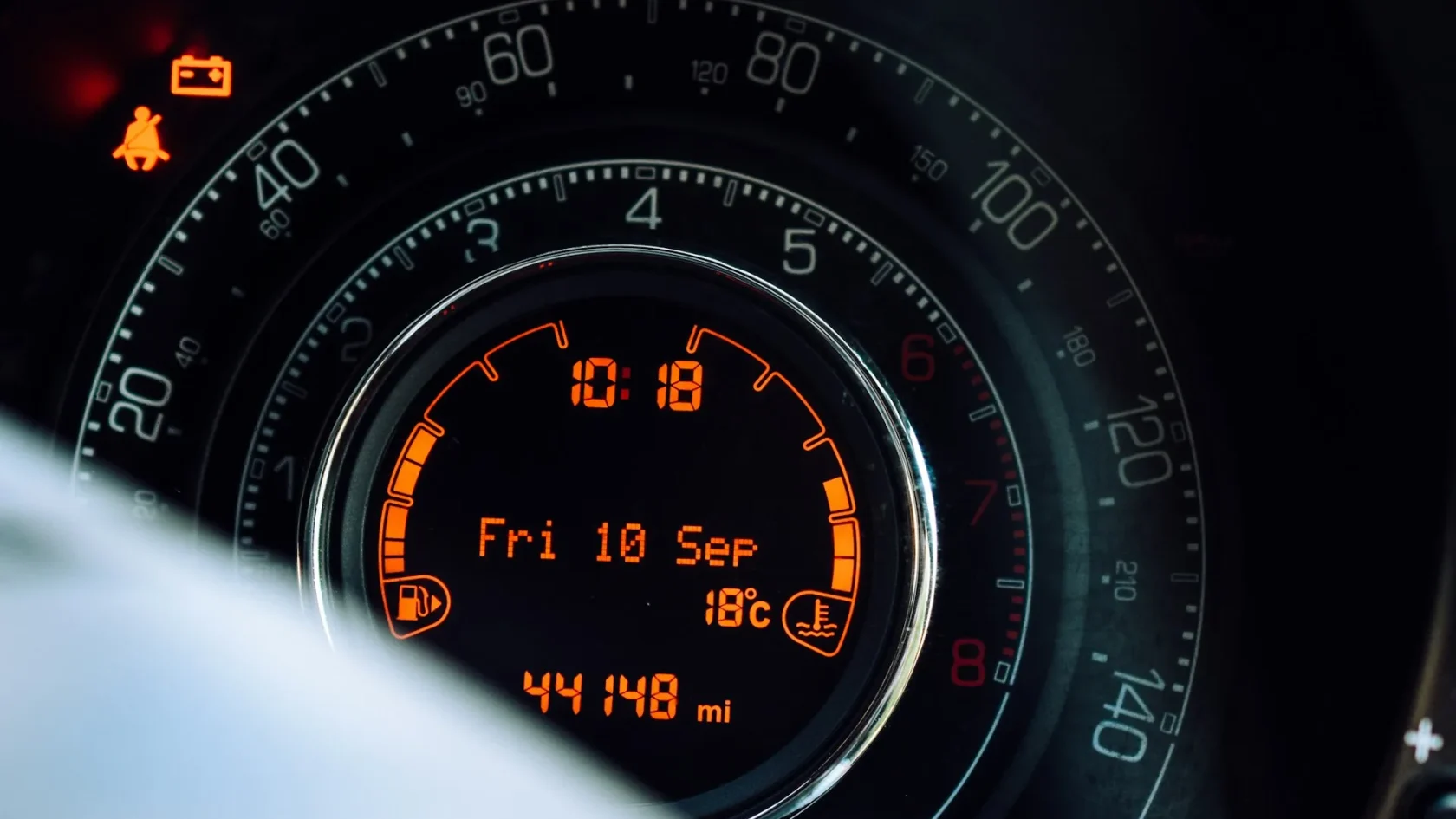
Key takeaways
- ADAS warning lights fall into three color tiers: green means active, amber means degraded or unavailable, red means stop and act.
- Most amber driver-assist warnings trace back to a blocked camera or radar, not a broken part.
- A light that clears after a short drive is usually a sensor that was temporarily blinded, not a fault.
- If the light stays on after you clean the sensors and drive, a scan tool or calibration is the next step.
The first time a driver-assist light appears, it rarely explains itself. You get a yellow car with a squiggle, or a windshield with a dotted line, or a message that a system is “unavailable,” and the owner’s manual buries the answer somewhere around page 240. I spent years calibrating these systems before I started writing, and I can tell you the panic is almost always bigger than the problem.
This is the flagship guide to what your ADAS warning lights actually mean. ADAS stands for advanced driver-assistance systems: the cameras, radar units, and software that watch the road and nudge you when you drift, brake before you rear-end someone, or warn you about a car in your blind spot. When one of those systems has something to say, it lights up. The trick is knowing which lights are routine and which ones deserve your attention today.
I will walk through the color code first, because color tells you urgency faster than any symbol. Then I will decode the specific lights you are most likely to see, and point you toward the deeper guides for each one.
Start with the color, not the symbol
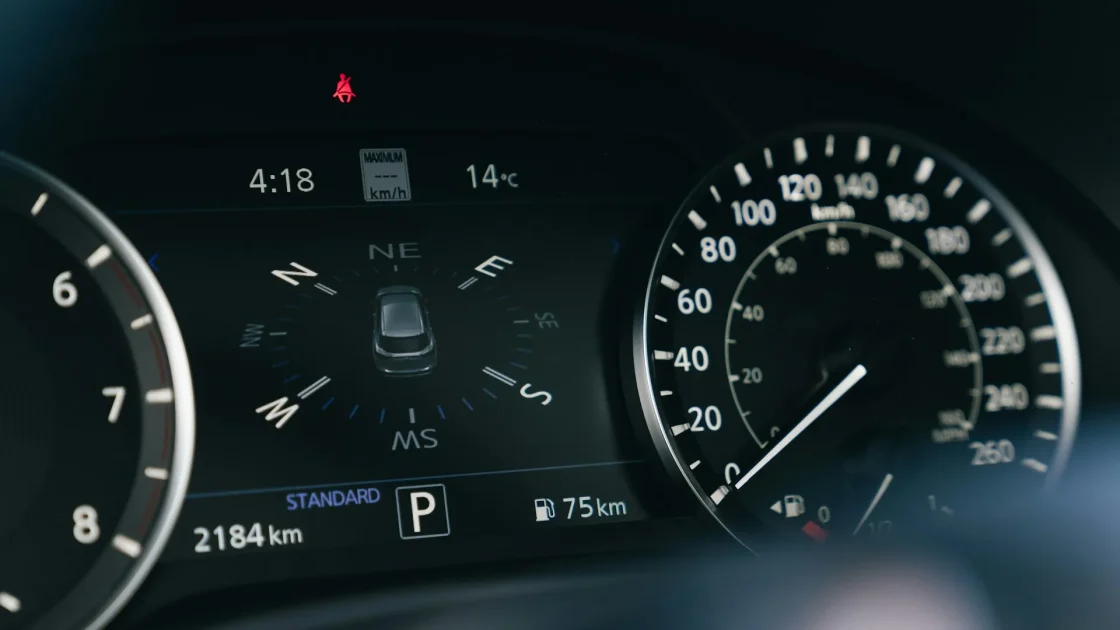
Automakers do not agree on symbols, but they mostly agree on color. That is your fastest read.
Green means the system is on and working. A green lane symbol or a green steering wheel usually means lane centering has grabbed the lines and is steering with you. That is confirmation, not a warning.
Amber or yellow means degraded, paused, or unavailable. The system tried to work and could not, or it turned itself off for safety. This is the color you will see most, and it is almost never an emergency. A camera got blinded by low sun, radar caught road spray, or the car decided the lane markings were too faint to trust.
Red means stop and pay attention. On ADAS specifically, red is rare and usually paired with a chime or a “BRAKE” message during an automatic emergency braking event. If a red warning stays lit after you park, treat it as a real fault and get it read.
Quick color rule
Green: active and helping. Amber: temporarily unavailable, check the sensors. Red: act now. When in doubt, the color outranks the shape of the icon.
The specific lights, decoded
Here is where the symbols diverge by brand, so I will group them by what the system does rather than by exact artwork. Each of these has a full guide if you want to go deeper.
Lane departure and lane keeping
You will see a car straddling two lines, sometimes with one line lit up. Amber here means the car sensed you drifting out of your lane without a turn signal. If it flashes and buzzes, that is the alert firing in real time. If it is a steady amber, lane assist has switched off, often because the lines faded or the front camera cannot see clearly. I break this down fully in the guide to the lane departure warning light, which covers the camera side and how to tell a live alert from a system that has switched off.
Forward collision and pre-collision
A car with radiating waves, or an icon of two cars about to touch, points at the forward-facing radar and camera. This is the system that watches the car ahead and readies the brakes. When it lights amber or throws a “pre-collision unavailable” message, the front radar is usually blocked by ice, mud, or a bug-caked emblem. The full explainer on the forward collision warning light tells you exactly what to check first.
Blind spot monitoring
Two cars with a curved arrow, or a symbol tucked near your side mirrors, means the blind spot system has something to say. A brief amber glow in the mirror is normal when a car is beside you. A persistent warning light on the dash usually means the rear corner radar is dirty, iced over, or disconnected. Start with the blind spot monitor warning light guide to sort a real fault from a covered sensor.
Adaptive cruise control
A speedometer-style icon with a car and distance bars, or a “cruise unavailable” message, comes from your adaptive cruise system. When it will not engage, the front radar is the usual suspect, along with poor visibility. The dedicated adaptive cruise control warning light guide walks through why it drops out and how to bring it back.
Steering assist and “driver assist not available”
An amber steering wheel, sometimes with a wrench or an exclamation point, tells you the steering-based helpers have backed off. This can be a genuine electronic fault or simply the car refusing to steer because the camera is blind. See the guide to steering assist reduced for how to tell a genuine electronic fault from a camera that has simply gone blind, which is the difference that decides whether you need a shop or just a clean windshield.
Why these lights show up in the first place
After years under bumpers and behind windshields, I can tell you the causes cluster tightly. Ninety percent of the amber ADAS lights I chased came down to a handful of things.
- A blocked or dirty sensor: mud on the front radar, salt film on a corner radar, a smudge on the windshield camera.
- Weather: heavy rain, snow pack, or dense fog that overwhelms the sensors. This is the car protecting you, not failing.
- Low sun or glare washing out the forward camera at dawn or dusk.
- A recent event: a windshield swap, a bumper repair, an alignment, or new tires that knocked the calibration out.
- A dead 12-volt battery or a disconnect that reset the modules and left a stored code.
The National Highway Traffic Safety Administration keeps a plain overview of these systems and how they behave, and it is worth a read if you want the regulator’s take: NHTSA driver assistance technologies.
What to do the moment a light appears
Do not pull over in a panic for an amber ADAS light. Finish your drive safely, then work the problem in order.
-
Note the color and the message
Green is fine. Amber means check the sensors. Red means take it seriously now. Read any text message on the cluster word for word.
-
Clean the obvious sensors
Wipe the windshield where the camera sits, and clear the front grille and bumper area where radar hides. A microfiber cloth and plain water fix a shocking number of these.
-
Drive a normal cycle
Many systems re-check themselves after a few miles at road speed. If the light was weather or glare, it clears on its own.
-
Reset or scan if it stays
If the light persists, you may need to clear a stored code. The guide on how to clear an ADAS warning light covers the safe ways to do it.
Watch out
A driver-assist light does not turn your car into a hazard, but it does mean that safety net is off. Drive as if you have no lane assist and no automatic braking until the light clears. Do not lean on a system the dash just told you is unavailable.
When it is more than a wipe-down
Some lights will not clear no matter how clean the sensors are. That points to calibration or a real hardware fault. If you replaced a windshield, repaired a bumper, or had an alignment recently, the camera or radar almost certainly needs recalibrating to aim correctly again. A sensor that is a degree off will throw warnings all day.
In those cases a shop connects a scan tool, reads the stored code, and either recalibrates the sensor or replaces it. The Insurance Institute for Highway Safety has good background on how much these systems reduce crashes, which is a fair reminder of why keeping them working matters: IIHS advanced driver assistance.
How long these lights usually take to clear
One question I got constantly in the shop was how long to wait before worrying. It is a fair thing to ask, because staring at an amber light with no idea whether it will vanish in a mile or stay for a week is stressful. Here is the rough timeline I give people.
Weather and glare lights are the fastest. Low sun clears as the angle changes, often within five to ten minutes. Rain and fog warnings lift once the downpour eases and the sensor dries, usually within the same drive. If your light appeared during bad conditions and the conditions have passed, give it a few miles before you do anything.
Blocked-sensor lights clear as soon as you remove the block and drive a short cycle. Wipe the ice off the radar or the film off the windshield, drive a couple of miles at road speed, and most systems restore themselves on their own. If you have cleaned everything and driven a full cycle and it is still lit, that is your signal to move on to a reset or a scan.
Calibration and hardware faults do not clear with time or cleaning at all. If you replaced a windshield, repaired a bumper, changed suspension parts, or fitted different-size tires, the light will sit there until a technician re-aims the sensor or the module is serviced. Waiting will not help, so there is no reason to drive around with it for days hoping.
My honest advice after all those calibrations: respect the amber lights, but do not fear them. They are the system being cautious on your behalf. Learn the color code, keep your sensors clean, and use the specific guides above when a particular light will not go away. Nine times out of ten you will fix it in your own driveway with a cloth and a short drive.
Frequently asked questions
For an amber driver-assist light, yes, the car is mechanically fine and safe to drive. The catch is that the assist feature is off, so you no longer have that safety backup. Drive as if the system is not there until the light clears. A red warning paired with a brake message should be taken seriously right away.
Cameras and radar need a clear view of the road, and heavy rain, snow, or road spray can overwhelm them. The car turns the systems off and shows an amber light on purpose so it never acts on bad data. Once the weather clears and the sensors dry out, the light almost always goes away by itself.
Red is the color that means act now, though it is uncommon on driver-assist systems. Red usually appears with a chime or a brake message during an automatic braking event. Amber lights mean a system is degraded or unavailable, not that you need to pull over immediately.
Often, yes. Many of these lights come from a dirty or blocked sensor, so cleaning the windshield camera area and the front radar behind the grille, then driving a normal cycle, clears them. If the light stays on after that, or if you recently had a windshield, bumper, or alignment done, the sensor likely needs recalibration at a shop.
Keep reading
Related guides
Blind Spot System Off Message Guide
Sometimes the blind spot monitor is off because you switched it off, and sometimes because the car did.
Read guide
Blind Spot Monitor Warning Light Guide
The mirror-side symbol behind blind spot monitoring, and why it goes dark in slush and snow.
Read guide
Steering Assist Reduced: What It Means
When the car says steering assist is reduced, it is usually protecting a system, not warning of a steering failure.
Read guide