Should You Turn Off Lane Keep Assist?
When switching off lane keep assist is reasonable, when it is a mistake, and what the button actually changes.


Key takeaways
- Lane keep assist is a safety net; turning it off permanently removes a proven crash-reducer.
- It is reasonable to disable it temporarily on faded roads, construction zones, or when it fights you wrongly.
- Constant tugging usually means a miscalibrated camera or worn lane lines, not a system you should kill.
- Most cars reset lane keep assist to on at every start, so a permanent off is rarely simple.
Someone asks me this almost every time lane keep assist comes up at a barbecue: it keeps yanking the wheel and driving me crazy, can I just shut it off? The short answer is yes, you can, and sometimes you should. The longer answer is that before you kill it for good, it is worth understanding what you would be giving up and whether the annoyance points at a fixable problem instead.
I calibrated the cameras behind this feature for years, so I have a soft spot for it, but I am not going to pretend it never misbehaves. It does. It can tug when you do not want it to, ping-pong on a narrow road, or fight a lane change you meant to make. Those are real irritations. The question is whether the fix is the off switch or something else entirely.
Let me give you the honest breakdown, because this is one where the right answer genuinely depends on your car, your roads, and what is actually going wrong.
What lane keep assist is actually doing
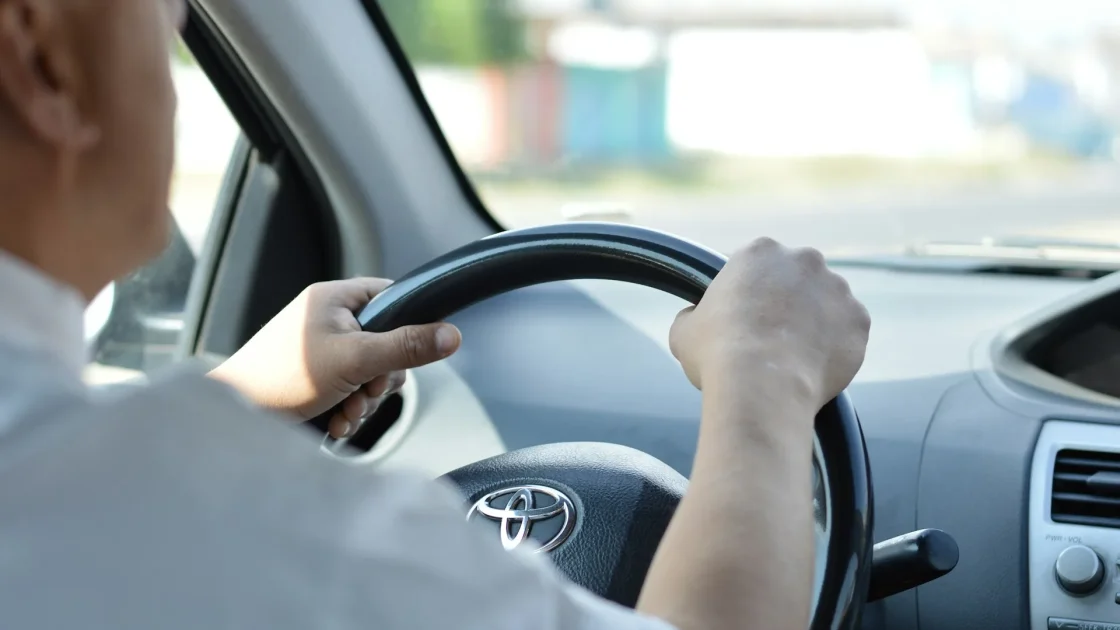
Lane keep assist watches the painted lines through a camera behind your windshield and gently steers you back toward center if you start drifting without a signal on. It is a nudge, not a chauffeur. On most cars it will not hold the lane for you indefinitely; it corrects a drift and then expects you to keep steering.
It is worth separating this from lane centering, which is more active and tries to keep you in the middle continuously. People lump them together and then blame lane keep assist for behavior that belongs to a different mode. My comparison of lane keeping assist versus lane centering pulls the two apart, and it matters here, because a system that feels too grabby might be centering, which you often can dial back without disabling safety entirely.
Underneath, the feature leans on a properly aimed camera. When it works right, most drivers stop noticing it, which is the goal. When it misbehaves, the cause is often the camera, not the concept.
Good reasons to turn it off, at least for now
There are honest situations where switching lane keep assist off is the reasonable move. I do it myself sometimes.
- Construction zones with shifted lines: temporary striping and old ghost lines confuse the camera, and the corrections can pull you the wrong way.
- Faded or missing lane markings: on worn rural roads the system either does nothing or grabs unpredictably.
- Heavy snow or standing water: when the lines vanish, so does the system’s judgment.
- Towing or a loaded roof: some drivers find the steering inputs unwelcome when the car handles differently.
- A genuine, specific fight: if it actively resists a deliberate maneuver, turning it off for that stretch is safer than wrestling it.
Notice these are mostly temporary conditions. Switching the feature off for a snowy drive or a construction detour is smart. That is different from disabling it forever.
Watch out
If you turn lane keep assist off for conditions, build the habit of turning it back on afterward. The crashes it prevents are the boring, mid-afternoon, drifted-out-of-lane kind that happen when attention lapses, exactly when you are least likely to remember to re-enable it.
Why permanently off is usually the wrong call
Here is where I push back gently. Lane keep assist is not a gimmick; it is a documented crash-reducer. Lane departure and lane keeping systems measurably cut the single-vehicle, run-off-road, and sideswipe crashes that come from drifting, and those are among the deadliest crash types. The safety research on driver assistance is collected at IIHS, and it is a strong case for keeping the feature alive.
The mistake I see most often is a driver who kills a useful safety net because it was doing one thing badly. Constant, wrong-feeling corrections are rarely the system being fundamentally bad. They are usually a symptom, and the symptom has a cause you can address without going without the feature entirely.
Turning off a safety feature because it misbehaves is like unplugging a smoke alarm that keeps chirping. The chirp is a message. Fix what it is telling you, then keep the protection.
When the real problem is calibration, not the feature
If lane keep assist tugs constantly, wanders, or corrects when you are already centered, suspect the camera before you suspect the design. A camera that is aimed even slightly wrong reads the lane offset incorrectly and steers to a center that is not really the center.
This happens after a windshield replacement, a front-end repair, or sometimes an alignment, any of which can throw the camera’s aim off. I explain why in why a windshield swap needs recalibration, and the broader signs are in signs your ADAS needs recalibration. A grabby, wrong-feeling lane keep system is one of the clearest of those signs.
If the feature refuses to turn on at all, that is a different failure, and lane keep assist won’t turn on walks through the fixes. Either way, the pattern is worth diagnosing before you resort to living without it.
How to actually turn it off
Turning it off is usually simple, but making it stay off often is not, by design. The exact steps vary by brand, so check your owner’s manual, but the common paths look like this.
-
Find the dedicated button
Many cars have a lane keep or lane assist button on the dash, the steering wheel, or a stalk. A single press toggles it, and an indicator confirms the state.
-
Dig into the settings menu
On cars without a button, look in the driver-assist or safety menu on the touchscreen or cluster. You can often adjust sensitivity here as well as toggle the feature.
-
Check whether it resets on restart
This is the catch. Many cars, for safety and regulatory reasons, default lane keep assist back to on every time you start the engine, so a one-time off does not stick.
-
Adjust rather than kill, if you can
If the menu lets you soften the intervention or switch from centering to warning-only, that often solves the annoyance while keeping a safety net.
That reset-on-start behavior frustrates people, but it exists precisely because the feature saves lives and regulators do not want it quietly disabled forever. If yours resets, that is a sign the maker considers it important, and honestly, so do I.
My honest recommendation
Turn lane keep assist off when conditions call for it, then turn it back on. Do not disable it permanently unless a professional has ruled out calibration and you have genuinely decided the behavior on your specific roads outweighs the protection. In most cases the tugging that drives people to the off switch is a miscalibrated camera or worn paint, both fixable, and the feature earns its place once it is behaving.
If you want the wider context on how much of the driving you are still responsible for with all of this active, do you still need to pay attention answers it plainly, and common driver-assist mistakes to avoid covers the traps drivers fall into with features like this one. Keep the net; just make sure it is strung correctly.
Frequently asked questions
It is safe to turn it off temporarily for conditions like construction zones, faded lines, or heavy snow, and you should turn it back on afterward. Disabling it permanently is discouraged because lane keeping measurably reduces run-off-road and drifting crashes, which are among the most dangerous types.
Many manufacturers default lane keep assist to on at every startup for safety and regulatory reasons, so a one-time off setting does not persist. If yours resets, that reflects how important the maker considers the feature, and softening its sensitivity in the menu is often a better fix than disabling it.
Constant or wrong-feeling tugging usually points to a miscalibrated camera or worn lane markings rather than a broken system. Recent windshield or bumper work commonly throws the camera's aim off, so a recalibration often solves it while keeping the safety net intact.
Look for a dedicated lane keep or lane assist button on the dash, wheel, or stalk, or find it in the driver-assist menu on your screen or cluster. The exact location varies by brand, so check your owner's manual, and note that many cars re-enable it at the next start.
Keep reading
Related guides
Do Driver-Assist Features Lower Insurance?
Straight answers on whether your lane and braking tech actually cuts your premium, and where it quietly raises costs.
Read guide
Buying a Car With ADAS: A Checklist
The exact things I check on the lot before I trust a car's driver-assist tech, in the order I check them.
Read guide
Is ADAS the Same as Self-Driving?
The honest difference between the driver-assist tech in your car today and the self-driving future people keep promising.
Read guide