The Yellow Car With Waves Symbol Decoded
The little car sending out ripples is one of the most misread dashboard symbols. Here is what it really represents.

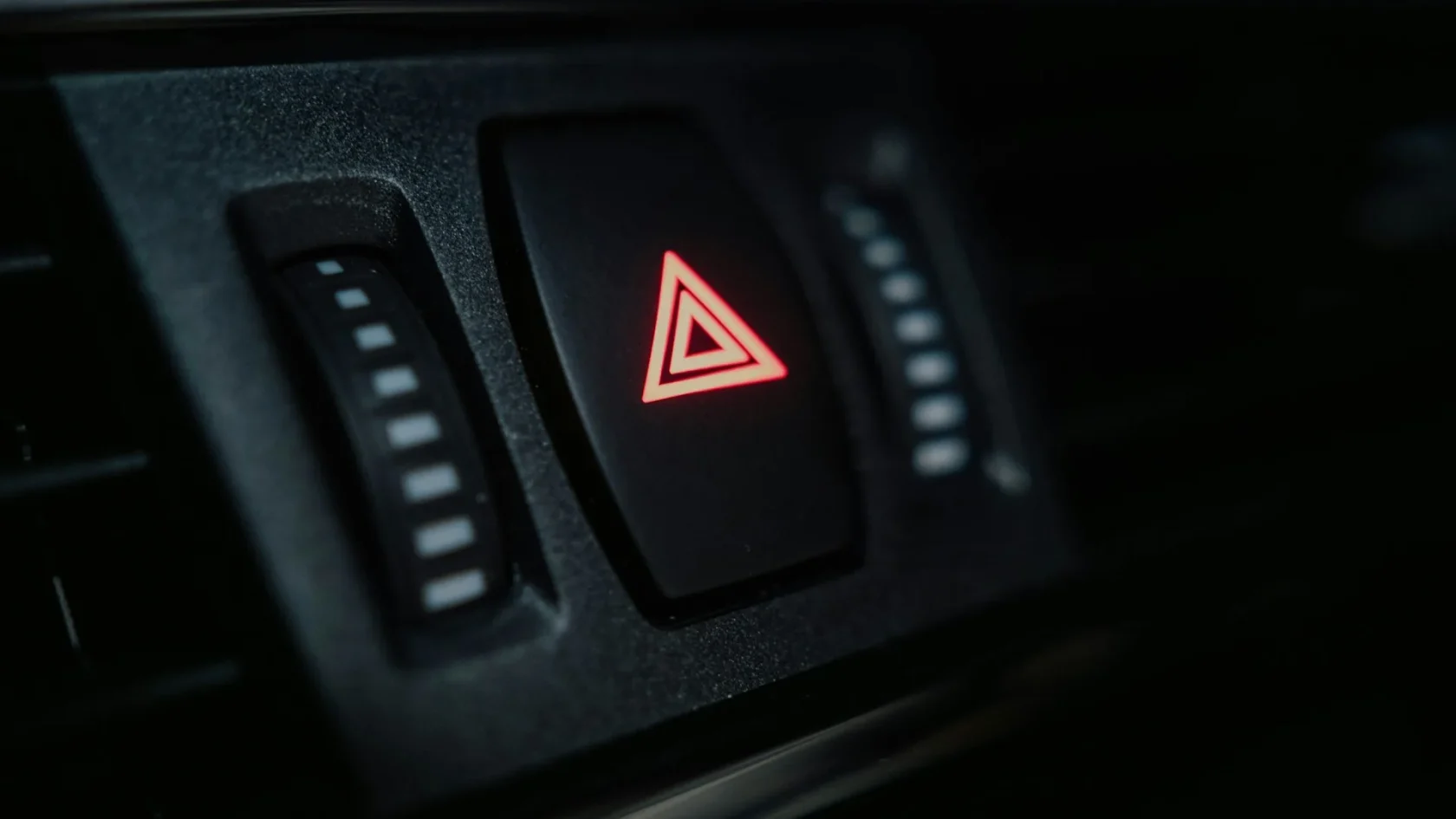
Key takeaways
- The car with waves symbol almost always means a forward radar or parking sensor feature is degraded or unavailable.
- Amber means a feature is limited or off, not that your car is broken.
- A blocked sensor, bad weather, or a recent repair are the usual reasons it lights up.
- Reading your car's exact wording in the cluster removes all the guesswork.
Some warning symbols are obvious. A battery looks like a battery, an oil can looks like an oil can. Then there is the little car sending out curved lines from its nose, glowing amber, telling you absolutely nothing about what it wants. Drivers describe it to me a dozen ways: the car with waves, the car with sound lines, the car with parentheses in front. Whatever you call it, the car with waves warning light points to the same corner of your vehicle.
Those waves are not sound. They represent a sensor beam, radar or ultrasonic, reaching out from the car to watch the space around it. When that icon lights up, a feature that depends on that beam has run into trouble and stepped back.
I calibrated the sensors behind this symbol for a living, so let me translate what the car is actually saying and what you should do about it.
Reading the waves: what the symbol represents
Carmakers use a small fleet of similar icons, and the exact meaning depends on where the waves point and how many there are. The pattern almost always ties back to a detection system built into your ADAS warning light family.

Here is the quick decoder for the most common variants.
| Symbol style | Usual meaning |
|---|---|
| Car with waves from the front | Forward collision or front radar system degraded |
| Car with waves and a wavy road line | Adaptive cruise or distance control unavailable |
| Car with waves and a small P | Parking sensors fault or blocked |
| Car with waves on both ends | Full sensor suite limited, often after a fault or dirty sensors |
Color matters as much as shape. Amber or yellow means limited or off, a heads-up rather than an emergency. If the same idea ever appears red, the car is telling you it has detected something ahead right now and wants your attention immediately.
Why the front-facing version lights up
The most common car-with-waves symbol points forward, and it belongs to the same systems as a forward collision warning light. It leans on a radar behind the grille and often a windshield camera. When either one loses confidence, up comes the icon.
The reasons cluster tightly:
- A layer of dirt, ice, or road film over the front radar or badge
- Heavy rain, snow, or fog scattering the beam
- A dealer plate frame or aftermarket bumper trim in the sensor’s path
- A recent bumper repair, windshield swap, or hard pothole knocking the aim off
- A low battery starving the module of steady voltage
Note
A radar sensor sees through the plastic grille and badge just fine, but it cannot see through packed snow, mud, or a metal plate holder. Keep the area in front of it clear and you avoid most nuisance warnings.
The parking-sensor version and its beeps
If the waves come with a P or cluster near the bumper corners, you are looking at the ultrasonic parking sensors, not the radar. These are the little round buttons in your bumper that beep when you get close to a wall.
They fail in their own predictable ways: a sensor caked in mud, a coat of ice, or one that got cracked by a light tap in a parking lot. When one acts up, the whole array may go quiet or beep at nothing. Our guide on parking sensors beeping for no reason walks through the fixes, and the deeper explainer on how ultrasonic parking sensors work shows why a little grime throws them off so easily.
What to do when the waves appear
Whichever version you have, the first moves are the same and cost nothing.
-
Find the exact wording
Scroll through the cluster menu. Almost every car pairs the icon with a text message like front assist limited or parking aid fault. That text tells you which system and cuts your guessing in half.
-
Clean the relevant sensors
Front grille and badge for the forward version, bumper buttons for the parking version. A damp microfiber cloth and full ice removal handles most cases. Our notes on cleaning ADAS sensors the right way keep you from scratching anything.
-
Consider the weather and recent history
Pouring rain or a recent bumper repair each point to a different, obvious cause. Match the symptom to what just happened.
-
Drive a clear-weather cycle
A steady 10 to 15 minute drive on a dry road lets the system re-verify itself and often clears the icon.
Watch out
While the waves icon is lit, assume the matching feature is off. Do not count on automatic braking or parking beeps to save you. Drive and park as if the car had no assist at all until the symbol clears.
When to bring in a scan tool
If cleaning and a good-weather drive do not clear it, the car has stored a fault code that spells out the problem. A shop reads it in minutes. After glass or body work the answer is usually a recalibration, which our complete ADAS calibration guide explains in plain terms. If the front radar itself took a hit, it may need replacing and re-aiming.
For a neutral explanation of what these forward systems are designed to do, the independent site My Car Does What is a genuinely useful reference to keep bookmarked.
Turning a mystery icon into a routine
The car with waves feels cryptic only until you know it always points at a sensor watching the space around you. Once you connect the symbol to the front radar or the parking buttons, your response becomes simple: read the text, clean the sensor, check the weather, drive a cycle, and scan it if it lingers.
One habit saves most repeat visits. After every winter drive and every trip down a dirty gravel road, take five seconds to glance at the front badge and the bumper corners. A quick wipe before the grime freezes or bakes on keeps the sensor clear and keeps this icon dark.
I have watched drivers panic over this icon and then clear it themselves with a paper towel in the driveway. More often than not, that is genuinely all it takes. Treat those waves as a nudge to wipe a sensor, not a signal that your car is falling apart.
Frequently asked questions
It means a sensor-based feature, usually forward radar or the parking sensors, is degraded or turned off. Yellow signals a limitation rather than an emergency, and it is often caused by a dirty sensor, bad weather, or a recent repair.
In amber it is not an emergency, but it does mean an assist feature is unavailable. Drive and park as if you had no automatic braking or parking beeps until the symbol clears, and stay attentive to your surroundings.
Read the text message that pairs with the icon, clean the front radar or parking sensors, and drive 10 to 15 minutes on a clear road. If it stays on after that, have the fault code scanned since it may need recalibration.
Bumper work can shift the aim of the front radar or disturb the parking sensors, so the car flags the mismatch. This type usually needs a recalibration to restore the feature, which a shop can perform after reading the stored code.
Keep reading
Related guides
Why Front Assist Not Available Appears
A former calibration tech explains what triggers the Front Assist Not Available message and the quick checks that usually bring it back.
Read guide
Lane Keep Assist Light Flashing Green
A green flashing lane keep assist light is usually good news, but the color and rhythm change what it is telling you.
Read guide
Steering Assist Reduced: What It Means
When the car says steering assist is reduced, it is usually protecting a system, not warning of a steering failure.
Read guide