Parking Sensors Beeping for No Reason
Track down phantom beeps in order: clean the pucks, check the bumper, then rule out a failed sensor.

Key takeaways
- A dirty or iced sensor puck is the top cause of false parking beeps, especially in winter.
- Rain and automatic car washes reflect the ultrasonic pulse and trigger temporary false alarms.
- A hitch, bike rack, or plate frame in a sensor's zone reads as a permanent object.
- A steady tone the instant you select reverse usually points to a failed sensor or wiring.
There is nothing quite as maddening as parking sensors that beep at nothing. You pull into an empty spot and the car shrieks like there is a wall inches away. Or you are creeping down the driveway and it goes off for no reason you can see. Something is triggering those sensors, and it is worth finding out what.
I worked on these systems for years, and false parking beeps almost always have a physical cause you can find and fix. The sensors are simple, and they get fooled in predictable ways. Let me troubleshoot the phantom beeping with you, starting with the causes I found ninety percent of the time before we get anywhere near a workshop.
A quick primer. Most parking sensors are ultrasonic pucks set into your bumpers. They send out a sound pulse and listen for the echo bouncing back off an object. Anything that reflects or muffles that pulse, mud, ice, a sticker, even heavy rain, can make the sensor think something is there. That is the root of most false alarms. The deeper mechanics are in the explainer on ultrasonic parking sensors if you want the full picture.
Check the sensors for gunk first
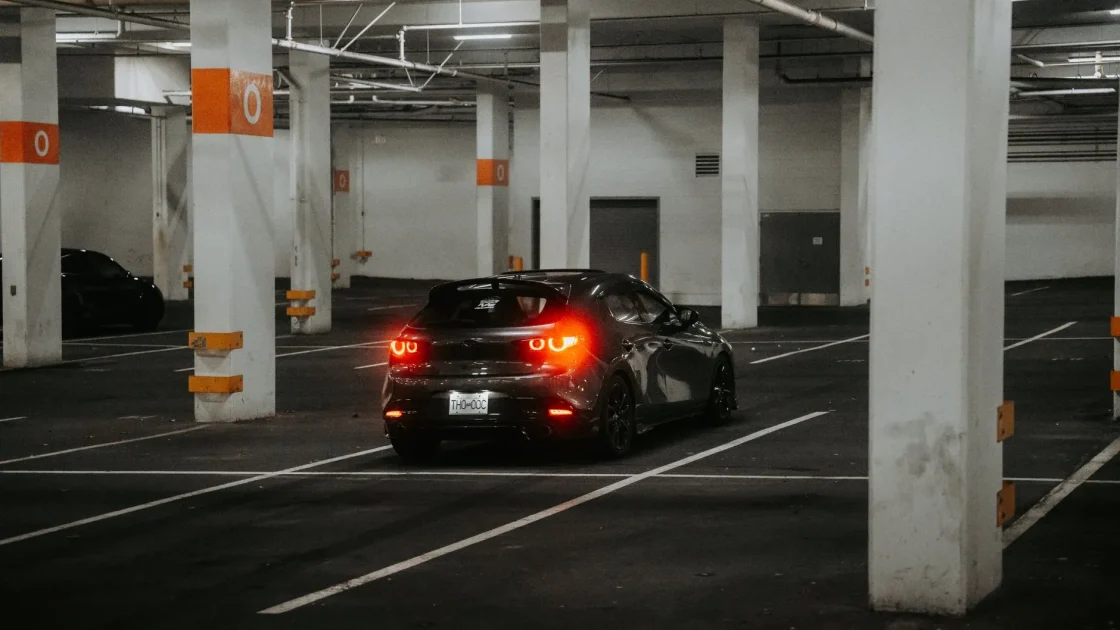
Nine times out of ten, a false beep is a dirty sensor. Mud, road salt, bird mess, bug splatter, a film of grime, or a layer of ice sitting on a sensor puck changes how it reads echoes, and it starts crying wolf. Winter is the worst season for this by a wide margin.
Walk to the bumper and look at each sensor, front and rear. They are the small round discs set flush into the plastic. Feel them. If any is caked, crusted, or iced, that is very likely your culprit. Clean each one gently with a damp microfiber cloth, and in winter clear any frost or packed snow.
Tip
Clean the sensors by hand with a soft damp cloth, not a pressure washer held close. A high-pressure jet aimed straight at a puck can push water past the seal and cause the exact fault you are trying to cure.
Rule out weather and a recent wash
Heavy rain, sleet, and even a dense car wash can set these sensors off temporarily. Water droplets and spray reflect the ultrasonic pulse just like a solid object, so the car beeps at the weather. This kind of false alarm clears on its own once things dry out.
A trip through an automatic car wash is a classic trigger, both from the water and from the brushes passing close to the bumper. If your beeping started right after a wash, that is almost certainly the cause, and it usually settles within a drive or two. The broader rundown on warning lights after a car wash covers why washes upset so many sensors at once.
Look for something stuck to the bumper
This one catches people out. A bike rack, a trailer hitch, a tow ball, a license plate frame that sits too proud, a magnetic sign, mud flaps, or even a thick bumper sticker placed near a sensor can sit inside its detection zone. The sensor sees a permanent object and beeps constantly.
Walk around and check whether anything has been added or moved near the bumpers. A hitch or a folded bike rack left on is the usual offender, and the car cannot tell it from a wall. Remove it, or fold it clear of the sensors, and the beeping stops.
Watch out
If you fitted a tow bar, bike rack, or aftermarket bumper and the sensors now beep nonstop, do not just disable the system and forget it. A permanently muted parking aid will not warn you the day there really is a child or a post behind you. Get the obstruction cleared or the system properly adjusted.
Try the quick diagnostic order
Here is the sequence I use to pin down a phantom beep fast.
-
Inspect and clean every sensor
Check each puck front and rear for mud, ice, or grime and wipe them clean by hand. This alone fixes most cases.
-
Note when the beeping happens
Only in rain? Only after a wash? Only in reverse? Only at one spot? The pattern points straight at the cause, whether it is weather, a wash, or a fixed object.
-
Check for added hardware
Look for a hitch, bike rack, plate frame, or sticker sitting in a sensor’s zone. Remove or fold anything that intrudes.
-
Listen for a stuck or dead sensor
A sensor that failed often gives a steady tone the moment you shift to reverse, or a different pitch from the others. Tap each one gently; a healthy sensor gives a faint click.
-
Drive and recheck
After cleaning and clearing, drive a short loop and park again. Weather and wash-related beeps should be gone.
When a sensor has actually failed
If the sensors are clean, nothing is stuck to the bumper, the weather is dry, and one still beeps constantly, you may have a failed sensor or a wiring fault. A dead ultrasonic sensor commonly announces itself with a single continuous tone the instant you select reverse, or the system may disable itself and show a parking fault message.
Corrosion in a connector, a cracked sensor after a minor bump, or water intrusion are the usual hardware causes I found. If the beeping traces to a dashboard warning rather than just noise, the guide on the parking sensor warning light helps you read what the car is reporting. A scan tool can pinpoint exactly which sensor is complaining, which saves guessing.
And if your reversing camera is acting up alongside the sensors, they sometimes share a cause, so the piece on how to fix a backup camera not working is worth a look. For keeping every sensor reading cleanly year round, the routine in cleaning ADAS sensors the right way covers the parking pucks along with the cameras and radar.
One last honest note from the bay: resist the urge to just turn the system off the moment it annoys you. Consumer Reports has good background on why these parking and reversing aids genuinely prevent low-speed crashes and backover injuries: Consumer Reports car safety. Clean the pucks, check for anything stuck to the bumper, and the phantom beeping almost always goes quiet without a single dollar spent.
Frequently asked questions
The most common cause is a dirty or iced sensor, since mud, salt, or frost on a puck changes how it reads echoes and makes it beep at nothing. Weather, a recent car wash, or something like a hitch or bike rack sitting in the sensor's zone can also trigger it. Clean each sensor by hand and check the bumper for anything stuck to it before suspecting a fault.
Yes. Water droplets and spray reflect the ultrasonic pulse the same way a solid object does, so heavy rain or an automatic wash can make the sensors beep. This kind of false alarm clears on its own once everything dries out, usually within a drive or two. If it started right after a wash, that is almost always the cause.
A dead sensor often gives a single continuous tone the moment you shift into reverse, or a pitch that differs from the others, and the system may show a parking fault message. If the pucks are clean, nothing is stuck to the bumper, and the weather is dry but one still beeps steadily, suspect a failed sensor or wiring. A scan tool can identify exactly which one is at fault.
Only as a temporary step while you find the cause, never as a permanent fix. A muted system will not warn you the day there really is a post or a child behind the car. Clean the sensors, clear any obstruction, and if a sensor has genuinely failed, get it repaired so the parking aid works when it matters.
Keep reading
Related guides
Reset the Tire Size for ADAS Accuracy
Why a different tire size confuses your speed and radar data, and how to get it relearned.
Read guide
How to Clear an ADAS Warning Light
The master reset order for any ADAS light: read it, clean it, cycle it, then reset before you ever pay a shop.
Read guide
Fix Rear Cross-Traffic Alert Faults
From a grime-covered rear corner to a blocked trailer view, the causes ranked and the fixes explained.
Read guide