Fix Clean Front Camera on Your Car
Find the camera, wipe the right patch of glass on both sides, and clear the warning yourself.

Key takeaways
- The front camera is a small housing behind the rearview mirror, and only the glass in front of it matters.
- Clean both sides of that glass, since interior dashboard haze is the most missed cause.
- Move any dash cam, transponder, or sticker that sits in the camera's line of sight.
- If cleaning and a short drive do not clear it, the camera likely needs recalibration.
You are driving along and the dash throws up a message: “Clean Front Camera” or “Front Camera Obstructed” or something close to it. Nothing feels wrong with the car, but the lane and braking features have quietly switched off. The car is not broken. It just cannot see, and it is asking you to fix that.
This is one of the easier ADAS messages to clear yourself, and I want to walk you through it properly because most people either ignore it or overcomplicate it. I aimed and cleaned these cameras for years, and the fix is usually a two-minute job with a cloth. Occasionally it is not, and I will tell you exactly how to know the difference.
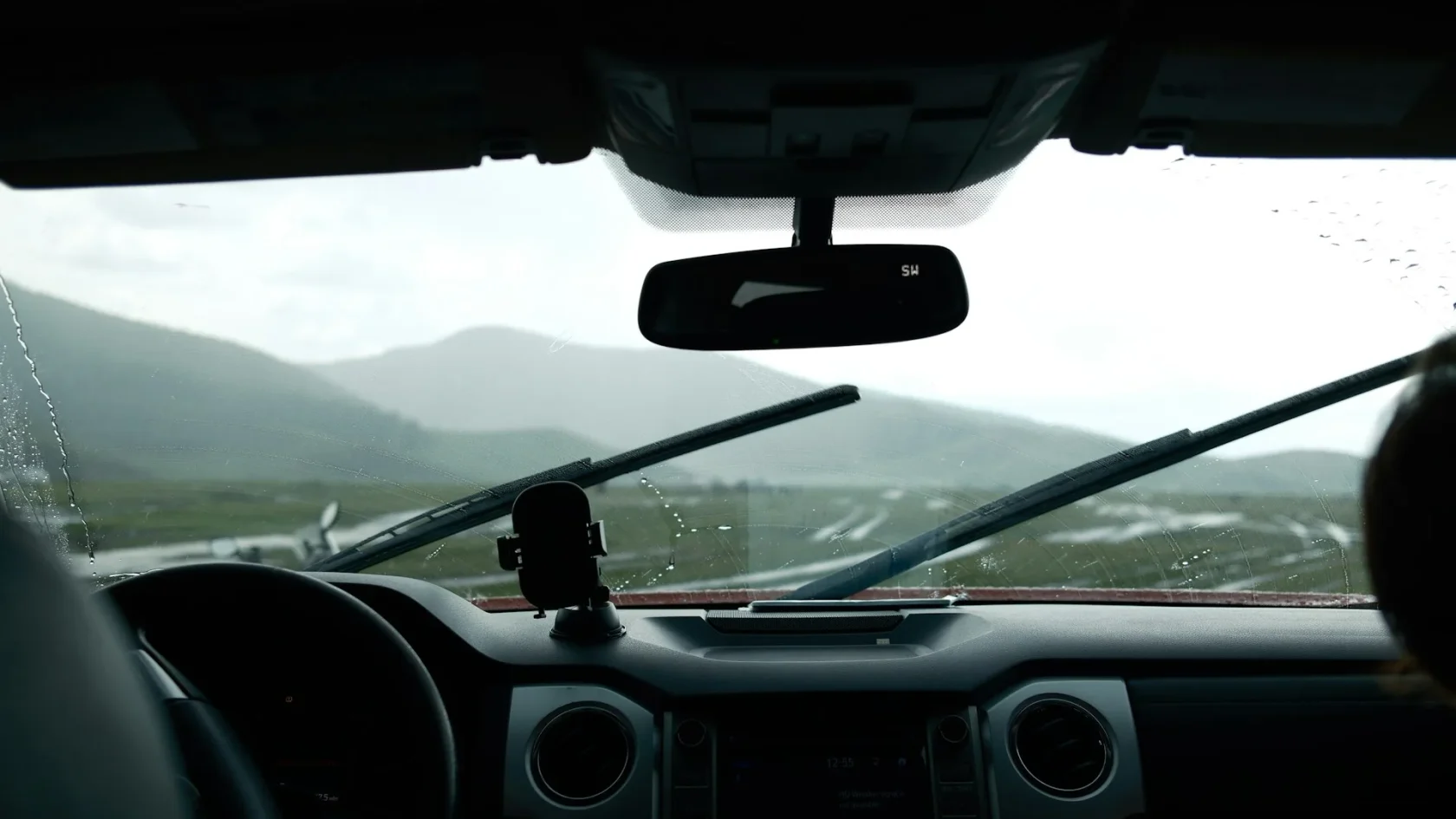
The front camera lives behind your windshield, up near the rearview mirror, looking out through the glass. It reads lane lines, traffic signs, and the car ahead. When anything blocks its view, the car warns you and turns off the features that depend on it. Here is how to get it seeing again.
First, find the actual camera
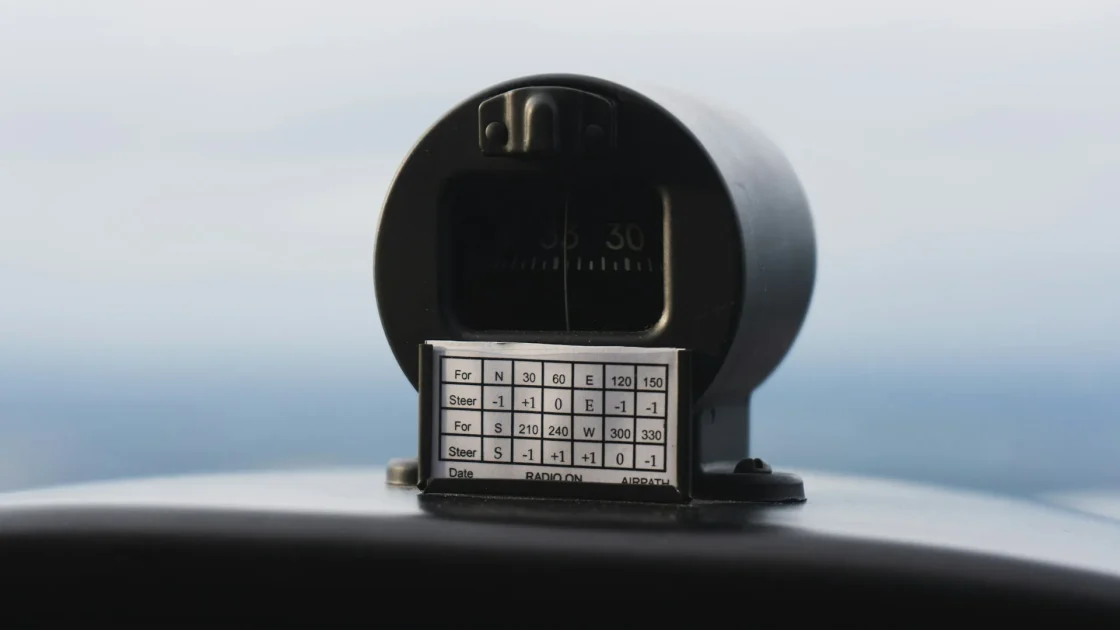
People aim their cleaning at the wrong spot all the time. The camera is not the whole windshield. It is a small black plastic housing mounted high and center, right behind the mirror, with a lens or two peering through a specific patch of glass. That exact patch is what has to be clear.
Sit in the driver seat and look up at the mirror mount. You will see the housing, sometimes with a rubber shroud around it. The glass directly in front of that shroud is your target. If you have never spotted it, the walkthrough on where the forward ADAS camera is shows the usual mounting spots by brand, and the piece on the camera behind your rearview mirror explains what it is actually looking at.
What to clean, inside and out
The glass has two sides, and the inside is the one everyone forgets. Off-gassing from the dash leaves an oily film on the inner windshield over months, and it settles right where the camera looks. I have cleared plenty of stubborn “clean camera” messages by wiping the inside, not the outside.
Tip
Do the inside of the glass first. That interior haze is invisible from the driver seat but sits directly in the camera’s line of sight, and it is the single most missed cause of a persistent clean-camera message.
Use a clean microfiber cloth and either plain water or a proper glass cleaner. Skip anything greasy or ammonia-heavy on tinted or coated glass. For the outside, clear off bugs, road film, water spots, and in winter any ice or frost sitting over the camera patch.
Step-by-step: clearing the message
Here is the exact order I use. Most drivers never need to go past step three.
-
Locate the camera housing
Behind the rearview mirror, find the black housing and the exact patch of glass in front of its lens. That is the only area that matters.
-
Wipe the outside of the glass
Clean bugs, film, and water spots off the outer windshield in front of the camera with a damp microfiber cloth. In winter, fully clear any ice or frost.
-
Wipe the inside of the glass
Reach up and clean the interior surface in the same spot. Remove the oily haze that builds up from the dashboard over time.
-
Check for a dash cam or sticker in the way
A dash cam, toll transponder, parking permit, or inspection sticker placed too close can clip the camera’s view. Move anything sitting in its field.
-
Drive a normal cycle
Drive a few miles at 40 mph or more on a marked road. The camera re-checks itself, and a clear view usually drops the message on its own.
When cleaning does not clear it
If you have cleaned both sides of the glass, removed any stickers, and driven a full cycle, and the message still shows, the problem is not dirt. At that point you are looking at one of a few things: a genuine obstruction you missed, a camera knocked out of calibration, or a fault in the camera itself.
The most common non-dirt cause I saw was a recent windshield replacement. The camera has to look through the glass at a precise angle, and a new windshield, even the correct one, moves that camera enough to need recalibration. The overview on why a windshield swap needs recalibration explains why this is not optional. If nothing was replaced but the message will not go, the guide on what blocks your ADAS camera runs through the less obvious culprits.
Watch out
Do not use a razor blade, abrasive pad, or harsh solvent on the windshield in front of the camera. A scratch or a hazed coating right there permanently distorts what the camera sees, and that is a windshield replacement, not a cleaning.
Keeping the message from coming back
Once you have cleared it, a little habit keeps it gone. When you wash the car or clean the inside of the windshield, give the camera patch a deliberate wipe on both sides. In winter, clear frost from that spot along with the rest of the glass before you drive.
Be gentle with what you stick to the upper windshield too. Dash cams and transponders are fine, but mount them off to the side or below the camera housing, never in its line of sight. If you want the broader routine for keeping every sensor happy, the guide on cleaning ADAS sensors the right way covers the cameras and the radar together, and the general piece on how to clear an ADAS warning light is worth a bookmark for the next time any assist light shows up.
For the safety context on why keeping the forward camera working matters rather than just muting the message, the Insurance Institute for Highway Safety publishes solid data on how much these front-facing systems reduce crashes: IIHS advanced driver assistance. Keep that little patch of glass clean and the camera will keep doing its job, which is watching the road when your attention slips for a second.
Frequently asked questions
It sits behind your rearview mirror, high and center on the windshield, inside a small black plastic housing. The lens looks out through a specific patch of glass right in front of that housing. That patch, on both the inside and outside of the windshield, is the only area you need to clean.
The most missed cause is an oily film on the inside of the windshield that builds up from the dashboard over time and sits right where the camera looks. If cleaning both sides does not help, a dash cam or sticker may be clipping its view, or the camera may need recalibration after a windshield change. Cleaning fixes most cases, but not a calibration problem.
The car is mechanically fine to drive, but the lane and forward-braking features are switched off while the message shows. Treat it as if you have no lane assist and no automatic braking until you clear it. Finish your trip safely, then clean the glass and drive a short cycle to restore the systems.
A new windshield almost always moves the camera enough to need recalibration, even when the correct glass was fitted. No amount of cleaning will clear the message in that case. Book an ADAS calibration so the camera is re-aimed with proper targets and knows exactly where straight ahead is.
Keep reading
Related guides
Does Disconnecting the Battery Reset ADAS?
The battery-pull myth, answered straight: what it clears, what it cannot, and when it is worth trying.
Read guide
Blind Spot Monitor Not Working: Fixes
Check the switch, clean both rear corners, rule out a hitch or trailer, then look at the sensors and a scan.
Read guide
Fix Rear Cross-Traffic Alert Faults
From a grime-covered rear corner to a blocked trailer view, the causes ranked and the fixes explained.
Read guide