Fix ADAS Errors After a Dead Battery
Why a jump start lights up half your dash, and the driveway steps that bring the systems back.

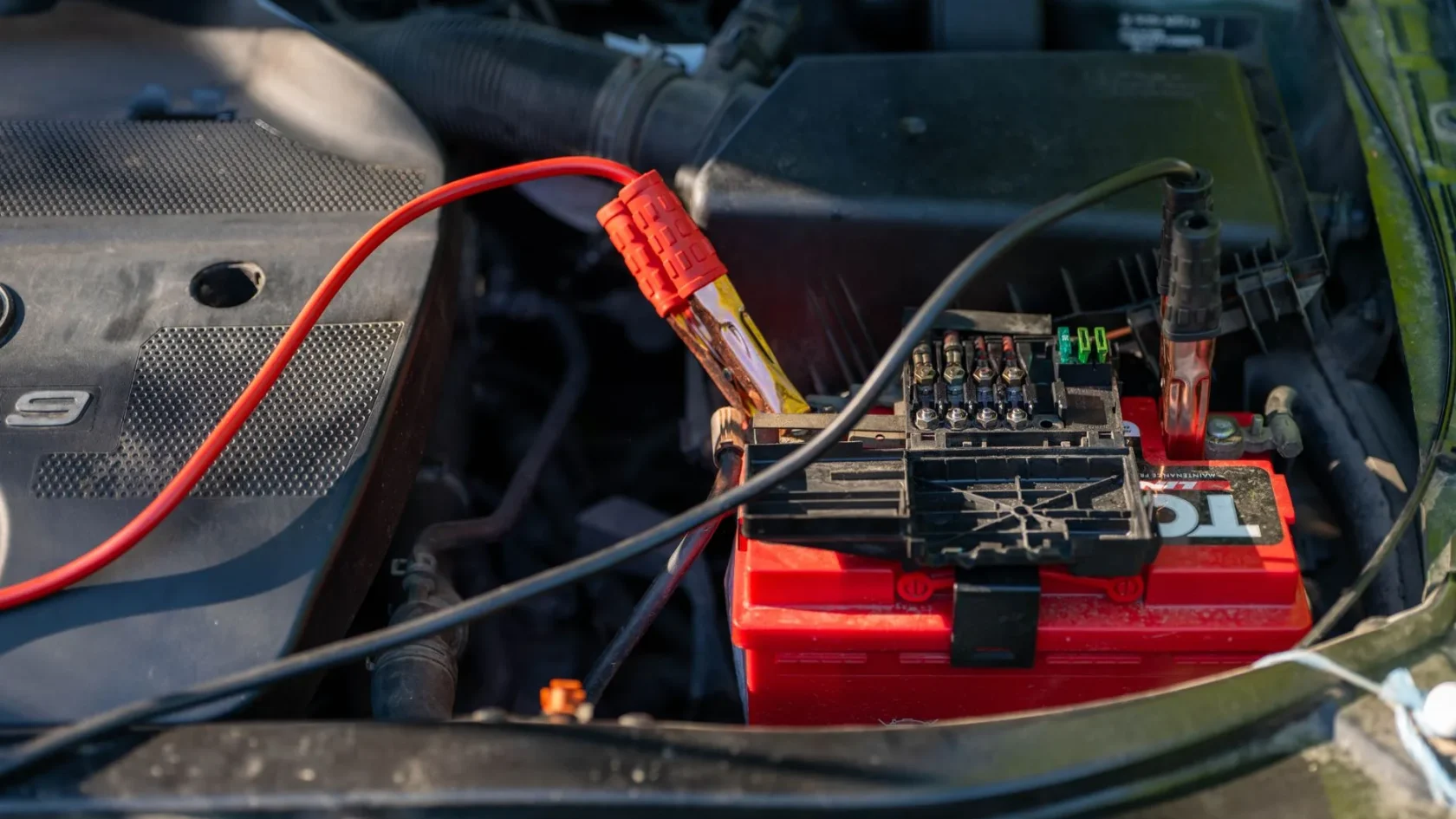
Key takeaways
- A dead battery makes assist modules lose their reference and flag themselves as a safety default.
- Fully charging the battery and letting the car sleep clears most warnings on its own.
- A calm 15 to 20 minute drive lets the systems relearn and the lights drop off one by one.
- A light that returns within a mile is a live fault, not a leftover, and needs real diagnosis.
A dead battery is annoying on its own. Then you jump the car, get it running, glance at the dash, and half your driver-assist icons are lit up amber like a small Christmas tree. Adaptive cruise is greyed out, lane keep says it is unavailable, maybe a parking sensor warning too. It looks like the jump start broke something expensive.
It almost never did. What you are seeing is normal, and in most cars you can clear it yourself in the driveway without a scan tool or a shop visit. I spent years calibrating these systems, and a fresh battery event was one of the most common reasons a perfectly healthy car showed a wall of warnings the next morning.
Here is exactly why it happens and how to bring the systems back, step by step, starting with the free fixes before anything that costs money.
Why a dead battery upsets ADAS in the first place
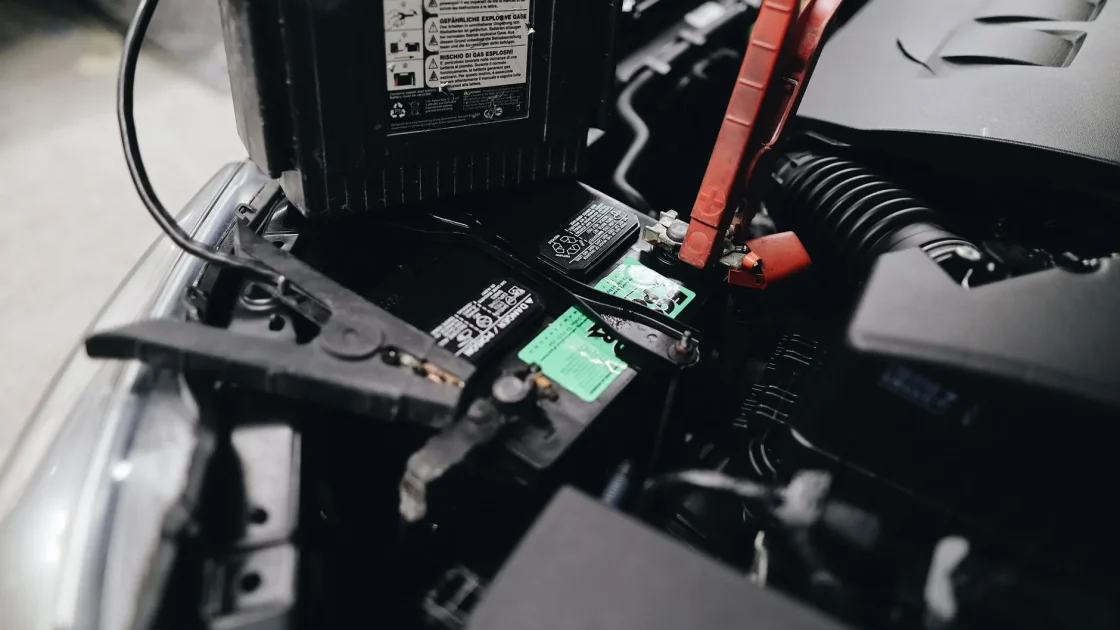
Your driver-assist modules run on the same 12-volt electrical system as everything else. When voltage drops too low, or the battery is fully disconnected, those modules lose power and drop their live memory. Cameras, radar units, and steering angle sensors all keep a running sense of where they are pointed and what straight ahead feels like. Cut the power and that short-term reference can wobble.
When the car wakes back up, each module runs a self-check. If a module boots before the network is fully stable, or before it has relearned its zero point, it flags itself as unavailable and lights the dash. It is being cautious, not broken. A system that is not sure it can trust its own data is supposed to switch off rather than guess.
Low voltage during cranking can also throw one-time fault codes that have nothing to do with a real failure. Those are the lights that clear on their own after a short drive. If you want the deeper background on this, the explainer on whether disconnecting the battery resets ADAS walks through what actually gets wiped and what does not.
Do this first: settle the electrical system
Before you touch anything clever, give the car clean, steady power. A lot of phantom warnings clear the moment voltage is healthy again.
-
Fully charge the battery
If you jump started, drive for at least 20 to 30 minutes or put the battery on a proper charger. A jump gets you running, but a battery sitting at 12.2 volts can keep modules cranky. You want it back near 12.6 volts at rest.
-
Check the terminals
A dead battery sometimes traces back to a loose or corroded terminal. Make sure both clamps are tight and clean. Intermittent power upsets ADAS modules more than a clean full discharge does.
-
Do a full key-off reset
Turn the car off, lock it, and walk away for 10 to 15 minutes so every module powers all the way down. Many controllers only re-run their full startup sequence after a complete sleep cycle, not a quick restart.
Tip
If you can, use a smart charger overnight instead of relying on the alternator. Alternators charge slowly at idle, and a weak battery that never gets fully topped up will keep tripping assist warnings for days.
Then drive a relearn cycle
Most of these lights are designed to clear themselves once the car sees a normal, calm stretch of driving. The modules use that time to reconfirm their sensors, relearn the steering zero point, and decide they are healthy again.
Take the car somewhere with clear lane markings and light traffic. Drive 15 to 20 minutes at a steady speed, make a few gentle turns, and get up to highway speed if you safely can. Keep the windshield clean so the forward camera has a clear view. This is the same idea covered in the guide on what a drive cycle is and how to do it, and it resolves the majority of post-battery warnings on its own.
Watch the dash as you go. Lights often drop off one at a time rather than all at once. Adaptive cruise might come back after five minutes, lane keep after ten. That staggered recovery is a good sign, not a problem.
Watch out
Do not test adaptive cruise or lane keep in heavy traffic while they are still recovering. A half-awake system can behave unpredictably. Wait until the icons are solid and normal before you rely on them.
If a light will not clear: the manual reset path
Say you charged the battery, drove the relearn loop, and one stubborn light is still on. Now it is worth clearing the stored code. A basic OBD-II reader plugged into the port under the dash can erase a lingering fault the same way it clears a check engine light. The walkthrough on how to clear an ADAS warning light covers the exact order to try.
If clearing the code makes the light stay off, you are done. If it comes right back within a mile, stop. A returning light means the problem is live, not leftover, and that changes what you are dealing with.
When it is not just the battery
A dead battery gets blamed for a lot of lights it did not cause. Sometimes the timing is a coincidence. If a warning will not clear after a full charge and a proper drive, look at what else happened recently.
| Clue | Likely cause | What it needs |
|---|---|---|
| Clears after charge and drive | Normal low-voltage reset | Nothing, you are done |
| Light returns within a mile | Live fault, not battery | Diagnosis, possibly recalibration |
| Windshield or bumper work recently | Sensor knocked out of aim | Recalibration with a scan tool |
| Steering feels off center | Lost steering angle zero | Steering angle relearn |
If the icons point at a calibration issue rather than a simple reset, a code reader will not be enough. That is a job for proper equipment, and the piece on whether you need a scan tool to reset ADAS explains the difference between clearing a code and actually recalibrating a sensor. When lights linger with no obvious battery link, it is also worth reviewing the signs your ADAS needs recalibration before spending money.
For a plain reference on how these features are meant to behave, the National Highway Traffic Safety Administration keeps a solid overview: NHTSA driver assistance technologies.
The short version to keep in your glovebox
A wall of assist warnings after a dead battery is one of the least scary things on your dash. Charge the battery all the way, let the car sleep, drive a calm 20-minute loop with clean sensors, and clear any single leftover code with a basic reader. Nine times out of ten the icons are back to normal before lunch. Save the shop trip for the light that refuses to stay off, because that one is telling you something the battery is not.
Frequently asked questions
Yes, very often. Driver-assist modules run on the 12-volt system, so when voltage drops or the battery is disconnected they lose their live reference and flag themselves as unavailable. This is a safety default, not a failure. Most of these lights clear once the battery is fully charged and the car has driven a normal cycle.
Usually one short drive of 15 to 20 minutes with clear lane markings. The modules relearn their zero points and reconfirm their sensors during that time, and the lights tend to drop off one at a time rather than all at once. If a light is still on after a full charge and a proper drive, it may be a separate fault.
In most cars, no. A battery disconnect does not physically move a camera or radar, so a true calibration is rarely required. You usually just need a full charge and a relearn drive. Recalibration is only needed if a sensor was actually disturbed, such as after a windshield or bumper repair.
It may just need more driving time, or the battery may not be fully topped up. Alternators charge slowly at idle, so a weak battery can keep tripping warnings for days. Put it on a proper charger, then drive a calm cycle. If it still will not come back, clear the code with a basic reader and watch whether it returns.
Keep reading
Related guides

Parking Sensors Beeping for No Reason
Track down phantom beeps in order: clean the pucks, check the bumper, then rule out a failed sensor.
Read guide
Reset Steering Angle Sensor at Home
The driveway relearn some cars accept, the scan-tool reset others demand, and how to tell them apart.
Read guide
When a Reset Won’t Work: Next Steps
When the light keeps returning no matter what you try, here is what is actually going on.
Read guide