Driver Attention Monitoring Explained
The steering sensors and face-tracking cameras that decide you need a break, decoded in plain English.

Key takeaways
- Driver attention monitoring watches for signs of drowsiness or distraction and prompts you to take a break or refocus.
- Older systems infer fatigue from your steering and pedal patterns; newer ones use an infrared camera aimed at your face.
- The coffee-cup icon means the car thinks your attention has slipped, based on how you have been driving.
- It is a nudge to keep you engaged, not a system that steers or brakes, and camera versions now enforce hands-on assist features.
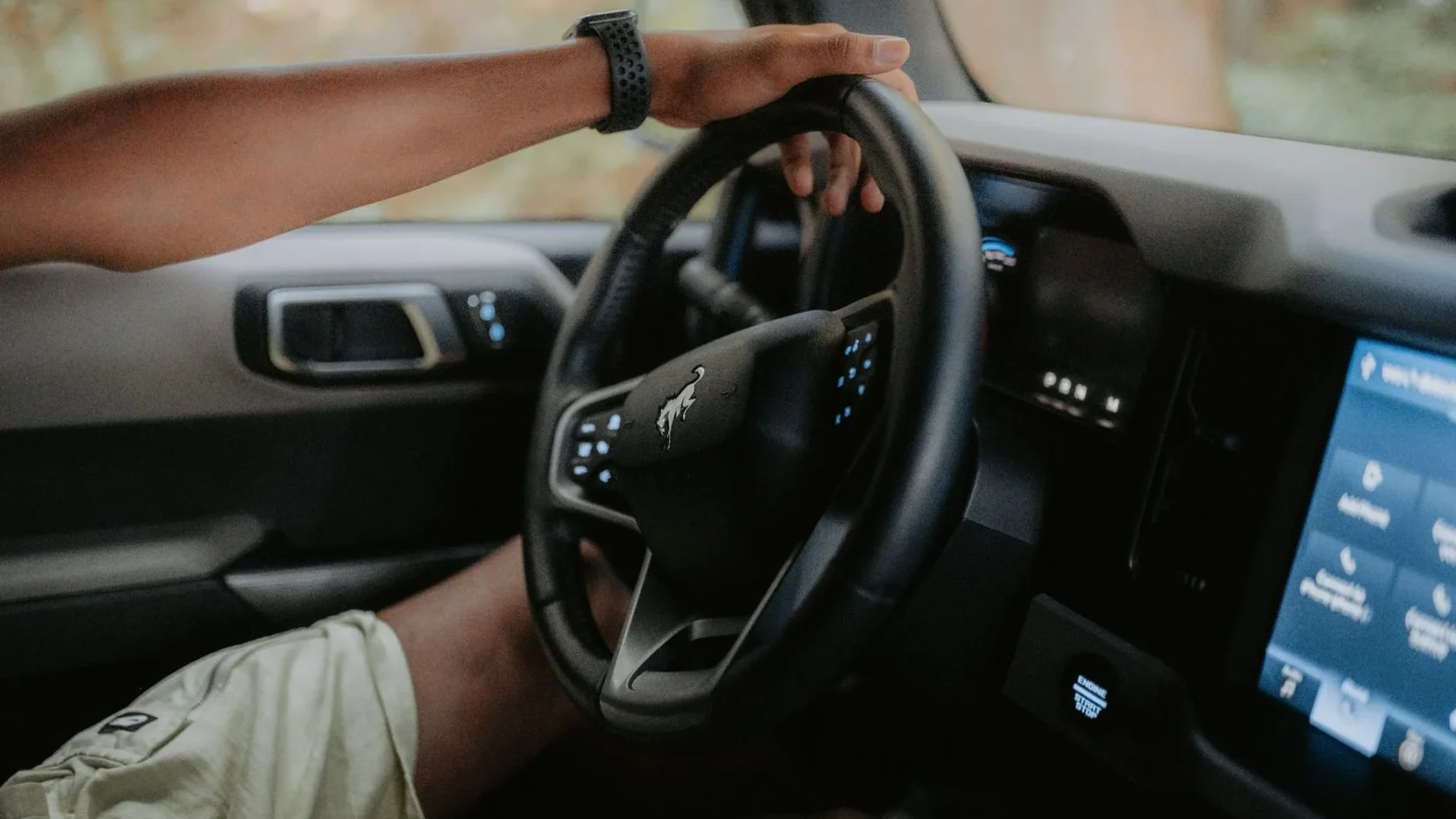
You have probably seen it without knowing what triggered it: a little coffee-cup symbol pops up on the dash with a chime and a message suggesting you take a break. Maybe you were genuinely tired, or maybe you had just been weaving a touch on a boring stretch of interstate. Either way the car decided your attention had slipped and said something about it. That is driver attention monitoring at work, and it is one of the more quietly clever safety features in a modern car.
I calibrated and diagnosed these systems for years, and they are widely misunderstood. People think the car is judging them, or spying on them, or that the coffee cup is random. None of that is quite right. The system is watching for specific, measurable signs that a driver is drowsy or distracted, and it is trying to catch that dangerous state before it turns into a crash. Fatigue and distraction kill a lot of people, and this feature is a direct answer to that.
Driver attention monitoring, which shows up under names like driver alert, attention assist, or driver monitoring, comes in two very different flavors depending on how new your car is. One watches how you drive. The other watches you. Understanding which one you have explains everything about how it behaves.
Two ways a car watches your attention
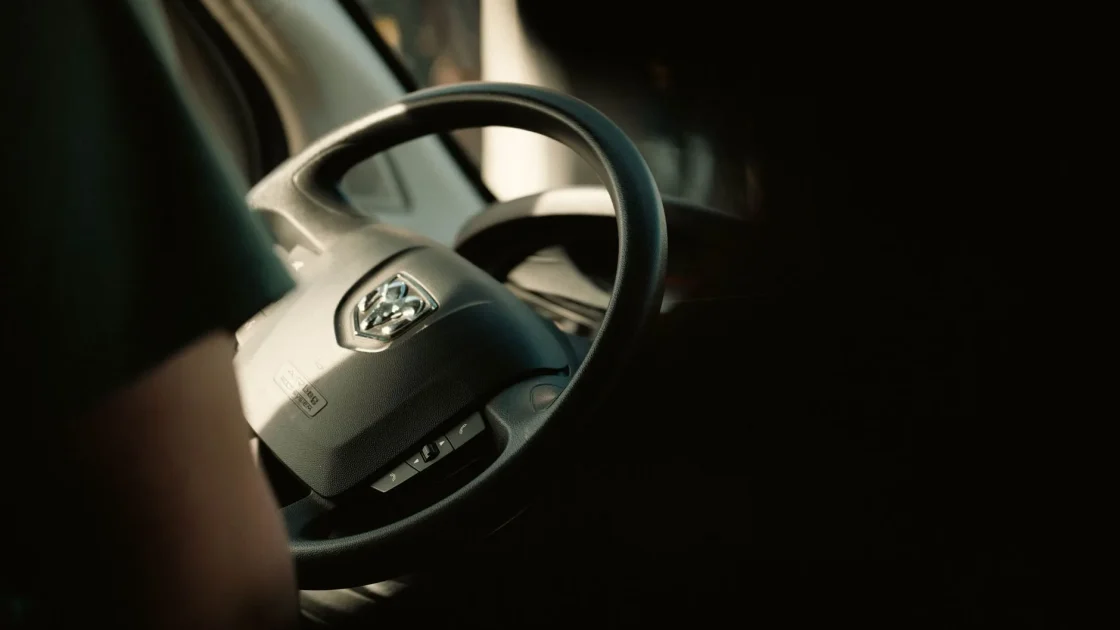
The older and more common approach does not watch you at all. Instead, it watches how you are driving and infers your state from your inputs. When you first set out on a drive, the system quietly builds a baseline of your normal steering: how you hold the lane, the small constant corrections every driver makes, your pedal use.
Then it watches for that pattern to break down. Drowsy drivers steer differently. They drift, then correct sharply, then drift again, in a telltale rhythm. They make fewer small corrections and more large ones. When the software sees your steering degrade in that way over time, especially on a long highway drive, it concludes you may be getting tired and pops the coffee-cup prompt. It is essentially reading your fatigue in the wheel.
The newer approach is more direct and increasingly required on new cars: a small infrared camera, usually mounted on the steering column or in the dash, aimed right at your face. This is the same kind of sensor family covered in the overview of the cameras and radar behind ADAS, just pointed inward instead of at the road.
What the face camera actually tracks
The infrared camera is genuinely watching you, and it works in complete darkness because infrared light is invisible to your eyes but bright to the sensor. It tracks specific things about your face and head.
It follows where your eyes are pointed and how open they are. It watches your head position and whether it is tilting or nodding. It measures how long your eyes stay off the road ahead. From those signals it can tell the difference between two distinct problems: drowsiness, where your eyes are closing and your head is drooping, and distraction, where you are awake but looking at your phone, the touchscreen, or the passenger instead of the road.
Drowsy versus distracted
These are different failures and the camera treats them differently. Drowsiness builds slowly and gets a break prompt. Distraction is immediate: look away too long and many systems chime almost at once. Newer cars escalate a distraction warning faster because the danger is right now, not building over miles.
Because the infrared version is watching in real time, it can react much faster than the steering-pattern version, which needs miles of data to notice a trend. That speed is why regulators and safety bodies are pushing camera-based monitoring, and why it increasingly pairs with hands-on assist features to make sure you are actually supervising them.
What the coffee cup is really telling you
When that coffee-cup icon or a similar break-suggestion message appears, it is not random and it is not the car being preachy. It means the system has detected a pattern it associates with reduced attention. On a steering-based system, your lane-keeping has probably gotten sloppy in the way tired drivers do. On a camera-based system, you may have closed your eyes too long or looked away from the road repeatedly.
The honest response is to take it seriously. If you are on a long drive and the cup appears, you very likely are more tired than you feel, because fatigue is sneaky and drivers routinely underestimate it. Pull off, stretch, get a coffee, or better yet, rest. The car noticed something real.
| System type | What it watches | How it warns you |
|---|---|---|
| Steering-pattern based | Your steering and pedal inputs over time | Coffee-cup icon and break suggestion after a trend appears |
| Infrared face camera | Your eyes, head position, and gaze direction in real time | Chimes and alerts quickly for both drowsiness and distraction |
It is worth being clear about what this feature does not do. It does not steer, brake, or take over. It is purely a monitor and a prompt. That makes it different from the active features like automatic emergency braking, which physically intervene. Driver attention monitoring is the car tapping you on the shoulder, not grabbing the wheel.
How it connects to the hands-off question
The camera-based version has a second, growing job beyond catching drowsiness. It is the enforcer for hands-on assist features. When your car offers lane centering or a system like traffic jam assist, the driver-facing camera is often what confirms you are still looking at the road while those features steer.
This is why so many partial-automation systems now insist on both hands on the wheel and eyes forward. The car is using attention monitoring to make sure you can take over the instant the assist feature reaches its limit. If you look away too long while lane centering is active, the same camera that catches drowsiness will warn you and eventually disengage the steering help. It ties directly into the honest answer about whether you still need to pay attention while using these systems, which is a firm yes.
Watch out
Do not treat driver attention monitoring as a safety net that lets you push through exhaustion or sneak glances at your phone. It is a last-ditch nudge, and by the time it fires you are already impaired. The only real fix for drowsiness is rest, and the only fix for distraction is putting the phone down.
Quirks, false alarms, and cleaning
These systems are not flawless, and knowing their quirks keeps you from dismissing them. Steering-based versions can throw the coffee cup on genuinely rough or crosswind-heavy roads, mistaking your extra corrections for fatigue. They can also be slow, missing a driver who nods off suddenly rather than gradually.
Camera-based versions have their own issues. Sunglasses, a hat brim, or bright low sun can interfere with the face tracking, though infrared handles darkness and most sunglasses better than you might expect. A camera lens that is dirty or blocked will complain or stop working, the same way any blocked ADAS camera does. If your car nags that the driver monitor is unavailable, check that the small lens on the column or dash is clean and unobstructed.
One Subaru I worked on had an owner furious that the driver-monitoring camera kept warning her to watch the road when she swore she was. The lens on the steering column had a thin film of dust and a smudge from a curious kid’s finger. A quick wipe and it read her gaze perfectly again. Like most of these features, it lived or died by a clean sensor.
Whether it is worth having
After years around this technology, I land firmly on the side that driver attention monitoring is a good thing, even when the coffee cup annoys you. Drowsy and distracted driving cause an enormous share of serious crashes, and a system that catches the early signs and prompts you to stop can genuinely prevent a tragedy. The National Highway Traffic Safety Administration has extensive material on drowsy and distracted driving and why catching it early matters: NHTSA drowsy driving.
My advice is simple. Keep the driver-facing camera lens clean if you have one, do not fight the feature, and above all, believe it when it speaks up. If the car thinks you are tired, you probably are, and no gadget will keep you as safe as pulling over and resting. For the wider picture of how this monitor fits alongside every other assist feature, the guide to how modern driver-assist systems work puts it in full context. It is a small feature with a serious purpose, and it deserves to be listened to.
Frequently asked questions
The coffee-cup icon means your car's driver attention monitoring system has detected signs that your focus has slipped, usually pointing to drowsiness. On systems that track your steering, it appears after your lane-keeping has degraded in the way tired drivers steer. It is a genuine prompt to take a break, and you should treat it seriously because fatigue is easy to underestimate.
Older systems build a baseline of your normal steering at the start of a drive, then watch for the drifting-and-correcting pattern typical of a drowsy driver. Newer systems use a small infrared camera aimed at your face that tracks your eyes, how open they are, and your head position in real time. Both are looking for the early signs of drowsiness or distraction before they cause a crash.
The camera-based versions do watch your face in real time using infrared, but on most cars the processing happens locally to detect drowsiness and distraction rather than to record and store video of you. The steering-based versions do not watch you at all; they only read your driving inputs. Check your owner's manual and privacy settings if you want the specifics for your vehicle.
The most common reason is a dirty or blocked lens on the small camera mounted on the steering column or dash. Wipe it gently with a clean cloth and make sure nothing is obstructing it. Bright low sun, a hat brim, or certain sunglasses can also interfere with the face tracking, though infrared handles darkness and most eyewear better than you would expect.
Keep reading
Related guides
How Automatic High Beams Work
The camera that flips your brights on and off for you at night, and how to get it to behave.
Read guide
How Lane Departure Warning Works
The windshield camera, the lane math, and the buzz in your seat, explained by someone who aimed these systems for a living.
Read guide
Evasive Steering Assist, Explained
The last-resort feature that adds steering force to your swerve, explained by a former ADAS tech.
Read guide