Clean Front Radar Message: Why It Shows
The Clean Front Radar message is your car asking for a wipe, not announcing a breakdown. Here is the full story.

Key takeaways
- Clean Front Radar means the forward radar behind your grille or emblem is blocked and cannot see the road.
- Ice, snow, mud, and even a heavy dealer plate are the top offenders.
- The radar sees through plastic and paint but not through packed debris or metal.
- A careful clean plus a short drive clears most cases without any tools.
Of all the ADAS messages a car can throw, Clean Front Radar is my favorite, because it is the rare one that tells you exactly what to do. No cryptic icon, no engineering jargon. The car has looked through its own eyes, seen nothing but grime, and asked you plainly to wipe it off. If dashboards gave more messages like this, my old job would have been a lot quieter.
Still, plenty of drivers see it and assume the radar has failed. It usually has not. The sensor is fine. Something is simply parked in front of it, and the car is being honest about not being able to see.
Here is what the message means, what tends to block the radar, and how to clear it in your own driveway.
What the Clean Front Radar message is telling you
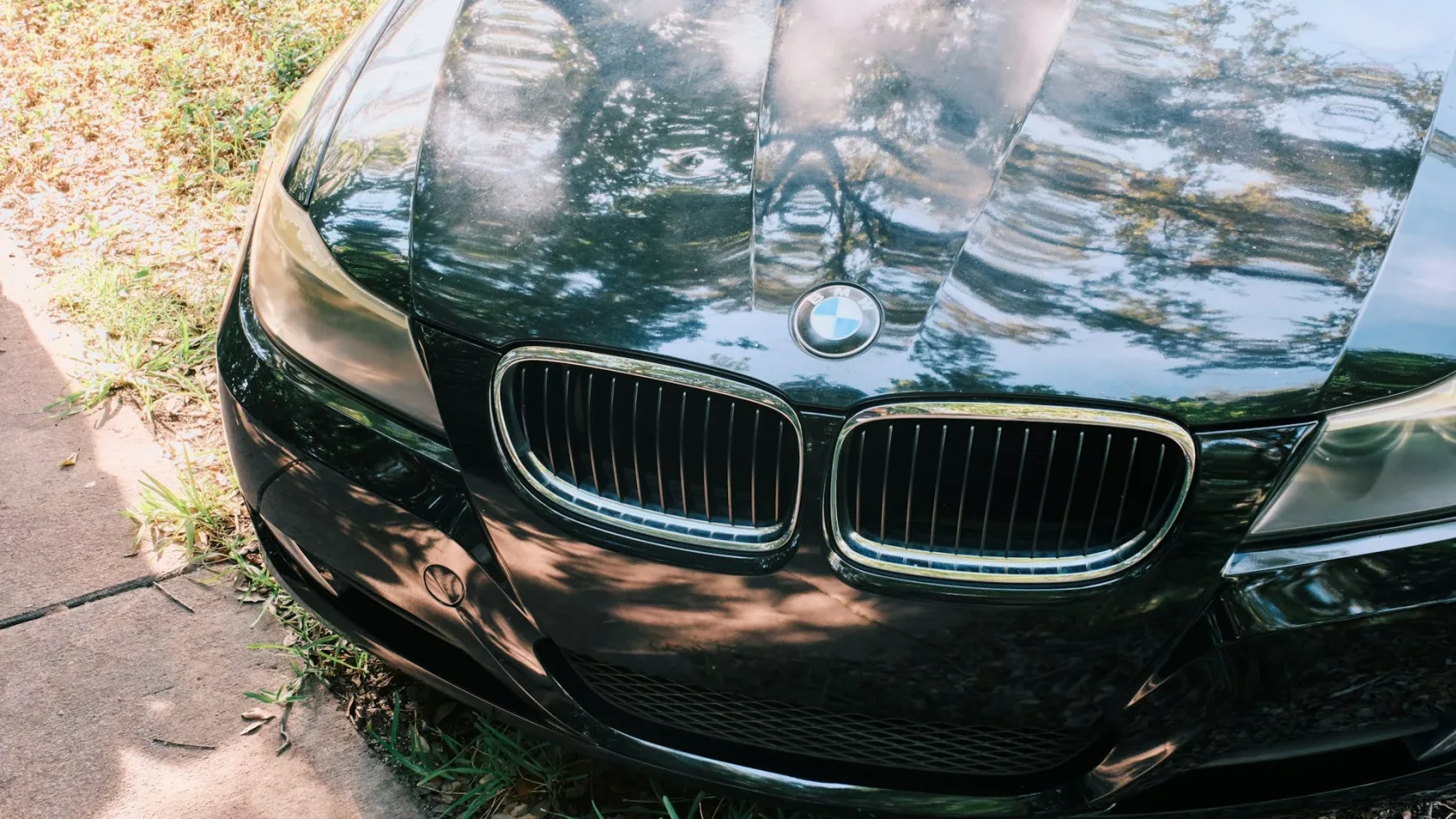
Your car has a forward-facing radar unit, typically mounted low in the grille or tucked behind the front emblem. It sends out a radio beam and listens for the echo bouncing off vehicles ahead. That radar is the backbone of forward collision warning, automatic emergency braking, and adaptive cruise control. If you want the full picture of the hardware, our explainer on how car radar sensors work lays it out, and the message itself is one entry in the broader set of ADAS warning lights and their meanings.
When the return signal gets weak or scattered, the car concludes its view is obstructed and posts the message. It is closely related to the forward collision warning family, and the fix flows through the same logic as our front radar blocked message guide.
What actually blocks a front radar
Here is the part that surprises people. Radar sees straight through the plastic grille, the painted bumper, and the plastic badge. Those are transparent to its beam by design. What it cannot see through is a layer of dense material sitting on that surface. The usual blockers:
- Packed snow and ice from a salty winter drive
- Caked mud or clay after a gravel or off-road stretch
- A thick coat of road film, dead bugs, or tar
- A metal or thick decorative license plate mounted low over the radar
- An aftermarket bull bar, light bar, or bumper trim in the beam path
Note
A thin coat of clean rain water will not trip this message, but slush that freezes into an inch of ice over the emblem absolutely will. Winter is peak season for Clean Front Radar warnings.
The reason the plate holder trips so many people up is that it looks harmless. It is not touching the grille, it is not covering the whole bumper, and it sat there for years without a complaint. But if the car came from the factory with the radar behind the emblem and someone later bolted a thick steel frame directly in the beam path, the metal reflects the signal straight back and the radar reads a permanent wall two feet ahead. Move the frame up an inch or swap it for a thin plastic one and the message clears for good.
How to clear it, step by step
This is one of the most DIY-friendly ADAS messages there is. Work through it in order.
-
Find the radar
Look low and center, behind the emblem or in the lower grille. Our guide on the front emblem and its hidden radar shows the common spots by brand.
-
Clear away the blockage
Wipe with a damp microfiber cloth. For ice, use warm, not boiling, water and let it melt. Never scrape a radar cover with a metal tool or an ice scraper, since a scratched or cracked cover can distort the beam.
-
Remove anything mounted in front
If a thick plate holder or bumper accessory sits over the radar, take it off and see if the message clears. Aftermarket add-ons are a frequent, overlooked cause.
-
Drive a short cycle
After cleaning, drive 5 to 15 minutes on a clear road with traffic ahead. The radar re-verifies its view and the message usually disappears. Our drive cycle guide explains what counts as a valid cycle.
Watch out
Do not aim a pressure washer directly at the radar or blast it with a heat gun to melt ice. Too much force can move or damage the sensor, and then you trade a five-minute clean for a real repair. Warm water and a soft cloth only.
If cleaning does not clear it
If the radar is visibly spotless, you have removed any add-ons, and you have driven a clear-weather cycle, but the message keeps coming back, the problem is no longer dirt. At that point the car has stored a fault code, and a scan tool reads exactly what is wrong.
The likely culprits shift to aim and hardware. A recent bumper repair or a solid impact can knock the radar out of alignment, which calls for recalibration, covered in our ADAS calibration guide. A radar that took a hard hit may need replacing and re-aiming. Either way, the stored code turns a guessing game into a specific answer, so you are not throwing parts at a problem hoping something sticks.
It is also worth knowing why these systems are so cautious in the first place. The NHTSA driver-assistance overview explains how forward radar underpins the crash-avoidance features regulators increasingly expect on new cars, which is exactly why your vehicle refuses to fake it when the sensor is blind.
A message worth appreciating
Clean Front Radar is the car doing you a favor. Instead of quietly letting a safety feature run half-blind, it tells you the sensor is covered and hands you the one-word fix. Most of the time a damp cloth and a short drive is the entire repair, and it costs nothing.
Compare that to the driver who ignores it, assumes the radar is fried, and books a diagnostic appointment. They pay for an hour of shop time only to watch a technician wipe frozen mud off the emblem and hand the keys back. The car told them the answer for free on day one. Reading the message literally, wiping the sensor, and driving a short loop would have saved the trip entirely.
Build a quick habit of glancing at the grille after winter drives and gravel roads, keep heavy plate holders and bumper add-ons off the radar, and clean gently when the message shows. Do that and this warning stays what it is meant to be: a five-minute chore, not a trip to the shop.
Frequently asked questions
It means the forward radar behind your grille or emblem is blocked and cannot see the road ahead. The radar itself is usually fine; something like ice, mud, or a heavy license plate is simply covering it, and the car wants you to clear it off.
Find the radar low in the grille or behind the front emblem and wipe it with a damp microfiber cloth. Melt any ice with warm water rather than scraping it, remove any thick plate holder or bumper add-on in front of it, then drive a short clear-road cycle to clear the message.
You can drive, but your forward collision warning, automatic braking, and adaptive cruise are likely off while the message is up. Leave extra following distance and stay alert, then clean the sensor as soon as you can to restore the features.
If the radar is clean and the message still returns, the cause is probably aim rather than dirt, often after a bumper repair or an impact. The car has stored a fault code, so have it scanned; the fix is usually a recalibration or, less often, a radar replacement.
Keep reading
Related guides
Automatic Emergency Braking Warning Symbol
That amber car-with-brackets symbol means your last line of crash defense may not be fully armed.
Read guide
Amber Steering Wheel Warning Light Guide
An amber steering wheel warning light usually points to reduced power steering assist or a driver-assist fault, not a total failure.
Read guide
Lane Assist Unavailable Message Decoded
When the car stops nudging you between the lines, it is usually because it cannot see them.
Read guide