Lane Assist Unavailable Message Decoded
When the car stops nudging you between the lines, it is usually because it cannot see them.

Key takeaways
- Lane Assist Unavailable means the camera cannot read the lane lines well enough to help steer.
- Faded markings, snow, rain, and a dirty windshield are the top causes.
- Low speed, hands off the wheel, or a switched-off setting can also disable it.
- Clean the camera glass and find well-marked road, and it usually comes back on its own.
You are cruising down the highway, maybe with lane centering doing its gentle thing, when the dash flashes “Lane Assist Unavailable” or “Lane Keeping Not Available” and the little green steering icon goes gray. The car stops helping you stay between the lines. It is a common message, and it almost always has a simple, harmless explanation.
The heart of it is this: lane assist needs to see the lane markings to work, and the moment it cannot see them clearly enough, it politely steps aside. It would rather do nothing than steer you based on a guess. That is exactly the behavior you want from a system with its hands near the wheel.
I calibrated the forward cameras that drive these lane features for years, and this message was one of the most frequent, yet one of the least serious, things I dealt with. Let me walk you through why it appears and how to bring the feature back.
What Lane Assist Unavailable means
Lane assist covers a family of features, from lane departure warning that alerts you when you drift, to lane keeping that nudges you back, to lane centering that actively steers to hold the middle. All of them rely on the same thing: a camera behind the windshield reading the painted lines on the road.
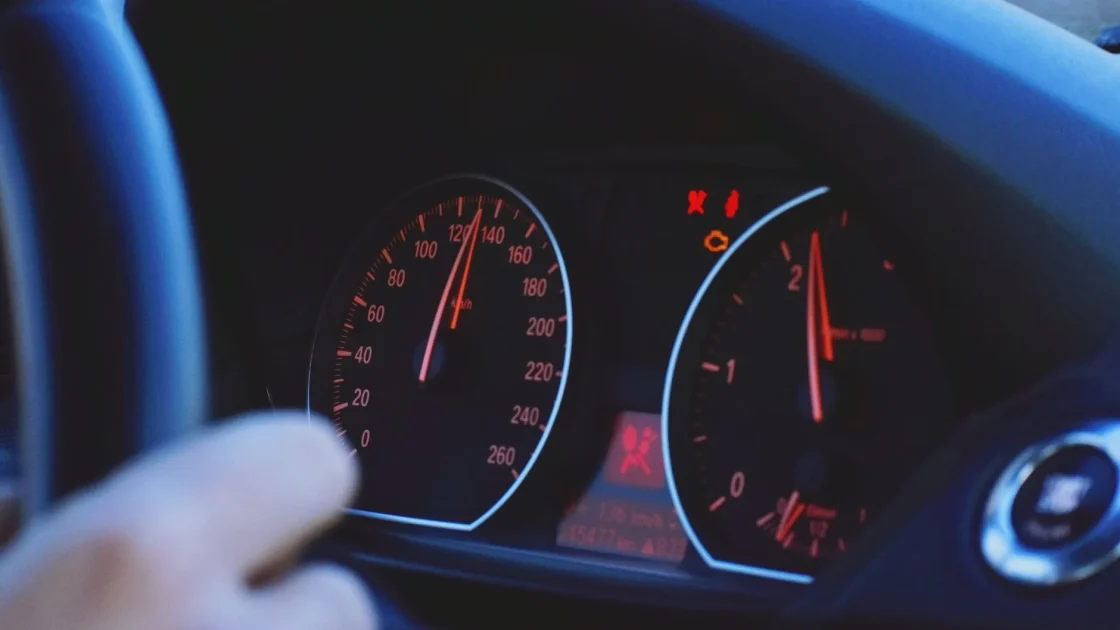
When that message appears, the camera has lost confidence in the lines. Maybe they faded, maybe snow covered them, maybe the glass is dirty. Without a clear read on both edges of your lane, the system cannot safely act, so it makes itself unavailable until the view improves. Our overview of what your ADAS warning lights actually mean shows how this sits among the other assist alerts. And if the terms trip you up, lane keeping assist versus lane centering untangles what each one actually does.
Why is it unavailable right now?
The causes fall into two buckets: the camera cannot see the lines, or the conditions to use the feature are not met. Both are common.
- Faded, worn, missing, or freshly repainted lane markings the camera cannot read.
- Snow, heavy rain, standing water, or leaves covering the lines.
- A dirty, foggy, iced, or glare-hit windshield in front of the camera.
- Driving below the feature’s minimum speed, often around 35 to 40 mph.
- Hands off the wheel too long, which makes many systems back out.
- The feature simply switched off in the settings menu.
The first three are about the camera’s view. The last three are about how and where you are driving. Sorting which bucket you are in tells you whether to clean something or just keep driving. If your glass tends to film up, what blocks your ADAS camera covers the offenders you might not think of.
Good to know
No lines, no lane assist. On construction zones, rural roads without painted edges, or lanes buried under snow, the feature will go unavailable no matter how clean your car is. That is the system working correctly, not failing.
The role your speed and hands play
People often report the message on slower roads and assume a fault, when the feature was simply never meant to work there. Lane centering and keeping usually need a minimum speed to engage, commonly in the mid-30s mph, because the geometry and reaction times only make sense at higher speeds. Below that, the message is expected.
Likewise, if you take your hands off the wheel, most systems warn you and then disengage. They are steering aids, not autopilots, and they are built to make sure a human stays in charge. Our guide on the lane departure warning light explains the alert side of this family, which behaves a little differently from the steering side.
How to get lane assist back
Run through these and you will resolve almost every case.
-
Check the road markings
Look at the lane you are in. If the lines are faded, missing, or covered by snow or water, that is your answer. Move to a well-marked road and the feature should re-engage.
-
Clean the camera glass
Wipe the windshield inside and out, right in front of the rearview mirror. Fog and haze on the inside matter as much as grime outside.
-
Confirm speed and hands
Make sure you are above the minimum speed for the feature and keeping light pressure on the wheel. Both are common reasons it quietly steps out.
-
Check the setting
Open the driver-assistance menu and confirm lane assist is switched on. It is easy to disable by accident or find it off from a previous driver.
-
Suspect calibration if it sticks
If it stays unavailable on clean glass, clear well-marked roads, at proper speed, the camera may need recalibration, especially after a windshield swap. That is a shop job.
If the feature refuses to turn on even under ideal conditions, our focused guide on the lane keep assist that will not turn on digs into the stubborn causes. For a full reset walkthrough, see how to reset a lane departure warning light.
When the windshield is the real story
Here is the pattern I saw constantly. A driver gets a windshield replaced, and days later lane assist starts throwing this message on roads where it used to work perfectly. That is almost never a coincidence. The camera lives on the windshield, and swapping the glass shifts its aim just enough to matter.
A camera that is even slightly out of calibration cannot judge the lines accurately, so it either misbehaves or makes itself unavailable. If this message showed up after any glass work, that is where I would look first, and cleaning will not fix it. For the safety stakes of driving on an uncalibrated camera, the NHTSA guide to driver assistance technologies is a clear, trustworthy read.
So when that gray steering icon appears, do not assume the worst. Glance at your lane lines, wipe the glass by the camera, check your speed, and confirm the setting is on. That covers it the overwhelming majority of the time. Only when a clean car on a well-painted road at highway speed still refuses to help do you need a technician, and usually the culprit is a camera that needs its aim reset.
Frequently asked questions
Many back roads have faded lines or no painted lane markings at all, and the camera needs clear lines on both sides to work. Lane assist also usually requires a minimum speed in the mid-30s mph, which rural driving often falls below. The message there is normal.
It can. Heavy rain and standing water blur the camera's view and can hide the lane lines, so the system makes itself unavailable rather than steering on a poor read. It typically comes back once the rain eases and the markings are visible again.
The camera is mounted on the windshield, so replacing the glass shifts its aim and requires recalibration. Without it, the camera misjudges the lane lines and the feature becomes unavailable. A shop with the right equipment needs to recalibrate the camera to fix it.
Yes. Lane assist is a helper that keeps you centered, not something the car needs to drive. You steer normally the entire time. Just stay attentive and keep the car in its lane yourself, which is your job regardless of whether the feature is active.
Keep reading
Related guides
What Your ADAS Warning Lights Actually Mean
The dash symbols behind lane, radar, and camera systems, decoded by a former calibration tech.
Read guide
Blind Spot Monitor Warning Light Guide
The mirror-side symbol behind blind spot monitoring, and why it goes dark in slush and snow.
Read guide
Clean Front Radar Message: Why It Shows
The Clean Front Radar message is your car asking for a wipe, not announcing a breakdown. Here is the full story.
Read guide