Fix a Front Radar Blocked Message
Find the radar behind your grille or badge, clear what is covering it, and drive a cycle before you pay anyone.

Key takeaways
- A front radar blocked message means something solid is covering the radar behind your grille or badge.
- Snow, ice, mud, and a low-mounted plate are the top causes, and most clear in minutes.
- Radar sees through plastic but not metal, ice, or thick stickers, so check behind the emblem.
- If the face is clean and clear weather still shows the message, suspect misalignment after a front tap.
“Front Radar Blocked.” “Front Radar Obstructed.” “Radar Sensor Blocked, Clean Radar.” Whatever your dashboard calls it, the message means the same thing: the radar that watches the road ahead has lost its view, and every feature that leans on it just switched off. Adaptive cruise, forward collision warning, and automatic braking all go quiet at once.
I chased these messages across a lot of cars when I did calibration work, and the fix is usually simpler than the scary wording suggests. The front radar is not fragile, and it does not “break” often. It gets covered, iced, or knocked, and it tells you so. Here is how to find it and clear it without doing any harm.
A word on what this sensor is. Your front radar is a small sealed unit, roughly the size of a deck of cards, usually hidden behind the grille, behind the bumper skin, or tucked behind a badge. It sends out radio waves and reads the echoes to measure the distance and speed of whatever is ahead. Anything solid in front of its face, mud, snow, a sticker, a bent bracket, blocks those waves and triggers the message.
Find where your front radar actually hides
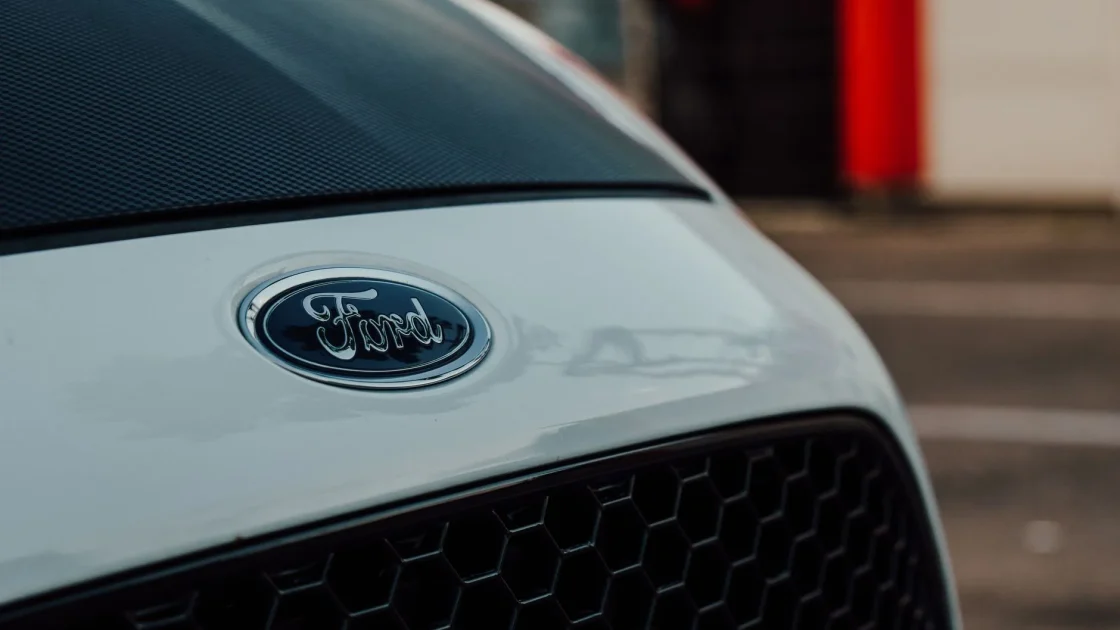
You cannot clean what you cannot find, and the radar is deliberately out of sight. On most cars it sits low and central in the front bumper, behind the grille or behind a plastic panel. On many it lives directly behind the manufacturer badge, which is made radar-transparent on purpose.
Look low and center first. Feel behind the grille slats for a flat plastic housing, or check whether your emblem is a separate raised piece that could sit over the sensor. The guide on the radar sensor behind the bumper shows the common mounting spots by brand so you know exactly where to aim your cleaning, since a badge that looks decorative is often the radar window itself.
Why it hides
Radar sees through plastic but not through metal, mud, ice, or thick stickers. That is why it lives behind a plastic grille or a special emblem. It does not need a clear window like a camera does, but it does need nothing solid packed against its face.
Clear the blockage, step by step
Once you know roughly where it is, clearing it is quick. Here is the order I use so nothing gets damaged.
-
Clear the obvious cover first
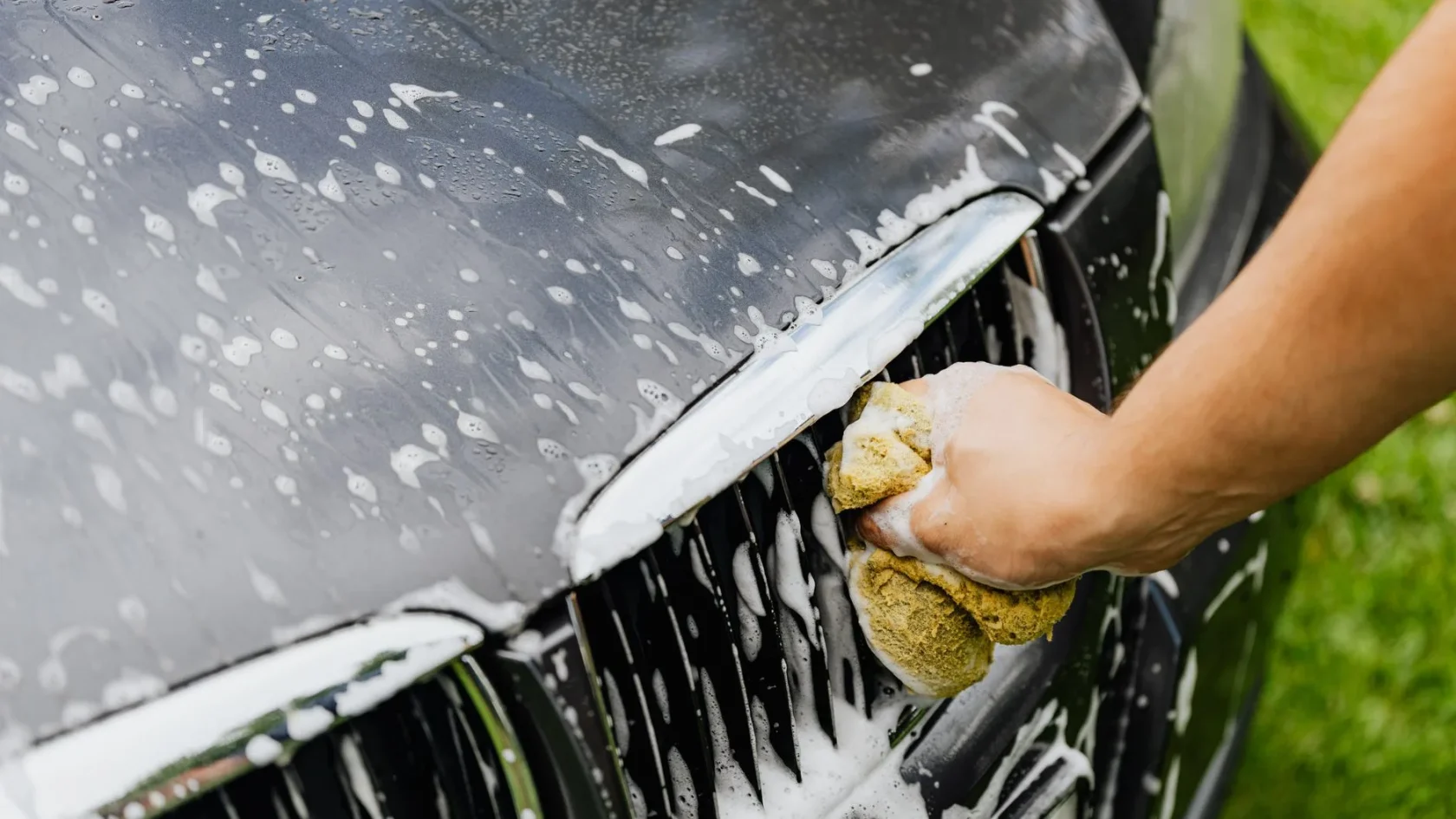
Knock off packed snow, ice, mud, slush, or a plastered leaf pile from the lower grille and bumper. In winter this is the number one cause, and a warm garage or a gentle wipe often clears it in minutes.
-
Check behind the badge and grille
Look for caked mud or road grime built up behind the emblem or grille where the radar sits. Wipe the area gently with a damp cloth. Do not gouge or pry at the sensor face.
-
Remove any added obstruction
A new bug deflector, a front license plate mounted low, a bike-rack strap, or a big dealer sticker over the emblem can all sit in the radar path. Move anything recent away from the sensor zone.
-
Restart and drive a cycle
With the face clear, restart the car and drive several minutes at a steady road speed. The radar re-checks itself against moving traffic, and a genuine clear path usually drops the message during that drive.
Watch out
Never spray a pressure washer straight into the lower grille at close range, and never pry at the radar face with a tool. These sensors are sealed but not armored. Forcing water past a seal or nudging the unit out of aim turns a two-minute cleaning into a calibration bill.
Why winter and highway grime hit hardest
The front radar sits in the worst possible spot for staying clean. It is low, central, and pointed straight into everything the road throws forward. Slush kicked up from the car ahead, salt spray on a treated highway, and wet snow all pack into the grille and settle right over the sensor, which is why the blocked message spikes the moment the weather turns.
A Ford I looked at one February threw the message every morning for a week. The owner kept clearing the grille, but the culprit was a plug of frozen slush wedged behind the emblem where he could not see it. It only thawed once the car had run twenty minutes. On a salted commute, a quick wipe of the lower grille and badge whenever you fuel up does more to prevent this than any gadget. If your trouble is seasonal, the notes in snow and ice on ADAS sensors cover the whole front end, radar included.
When it is not really a blockage
Sometimes the face is spotless and the message still shows. That points away from dirt and toward three things: a radar knocked out of alignment, a temporary weather whiteout, or a genuine fault. Heavy rain, dense fog, and thick spray can all make the radar cry blocked for a while, and that clears on its own once conditions ease.
The alignment case is the one to watch. A minor front-end tap, a curb strike, or a bumper repair can nudge the radar a few degrees, and a few degrees is enough. If your message followed any front bodywork, the guide on ADAS calibration after a bumper repair explains why a clean sensor still needs re-aiming. And if the wording on your dash is specifically the “clean front radar” style prompt, the focused piece on the clean front radar message covers that exact case.
If clearing it does not stick
Clean the area, drive a cycle, and the message still burns, and the radar is telling you the problem is not on the surface. At that point the honest next step is a scan to read the stored code, or calibration if the sensor moved. Repeating the wipe will not change a sensor that is out of aim.
Because a blocked front radar kills adaptive cruise along with it, the two problems often arrive together, so the checklist in adaptive cruise not working is a useful companion if your cruise died at the same time. For the full order of operations on any assist light, keep the master guide on how to clear an ADAS warning light handy.
For the safety background on why the forward radar features are worth restoring rather than muting, the Insurance Institute for Highway Safety documents how much front crash prevention reduces real collisions: IIHS front crash prevention.
So clear the snow, check behind the badge, move anything new off the bumper, and drive a cycle. Nine times in ten that is the whole fix. Save the scan and the calibration for the day the face is clean, the weather is clear, and the radar still insists it cannot see, because that is the day it genuinely cannot.
Frequently asked questions
Find the radar low and central behind the grille or emblem, then clear any snow, ice, mud, or sticker covering that area with a gentle wipe. Remove anything recently added to the bumper, like a low plate or bug deflector, then restart and drive a few minutes so it re-checks. Most blocked messages clear right there.
On most cars it sits low and central in the front bumper, behind the grille or behind a plastic panel, and on many it is directly behind the manufacturer badge, which is made radar-transparent. It is a small sealed unit about the size of a deck of cards. Feel behind the grille slats or check whether your emblem is a separate raised piece.
The car drives normally, but adaptive cruise, forward collision warning, and automatic braking are all switched off while the message shows. Treat it as if you have none of those aids until you clear it. Finish your trip safely, then clear the blockage and drive a cycle to restore the features.
If the face is spotless and the weather is clear but the message persists, the radar is likely knocked out of alignment or has a real fault. A minor front-end tap, curb strike, or bumper repair can shift it a few degrees, which is enough to trigger the warning. That needs a scan and usually recalibration, not more cleaning.
Keep reading
Related guides
Blind Spot Monitor Not Working: Fixes
Check the switch, clean both rear corners, rule out a hitch or trailer, then look at the sensors and a scan.
Read guide
Warning Lights After a Car Wash: Fixes
Why the dash lights up after a wash, and the quick steps that clear it before you worry.
Read guide
Fix a Backup Camera Not Working
Black screen, fuzzy picture, or a stubborn error message, sorted from easiest fix to hardest.
Read guide