How Adaptive Cruise Control Works
A former calibration tech explains the radar, the following-distance math, and how to actually use adaptive cruise without getting surprised.

Key takeaways
- Adaptive cruise control holds both a set speed and a set following distance, easing off and braking when the car ahead slows.
- It relies on a front radar sensor that measures the gap to the car ahead many times per second.
- Use a generous following distance while you learn it, since the car brakes later and softer than an alert human.
- It does not reliably stop for already-stopped objects, so stay ready to brake yourself.
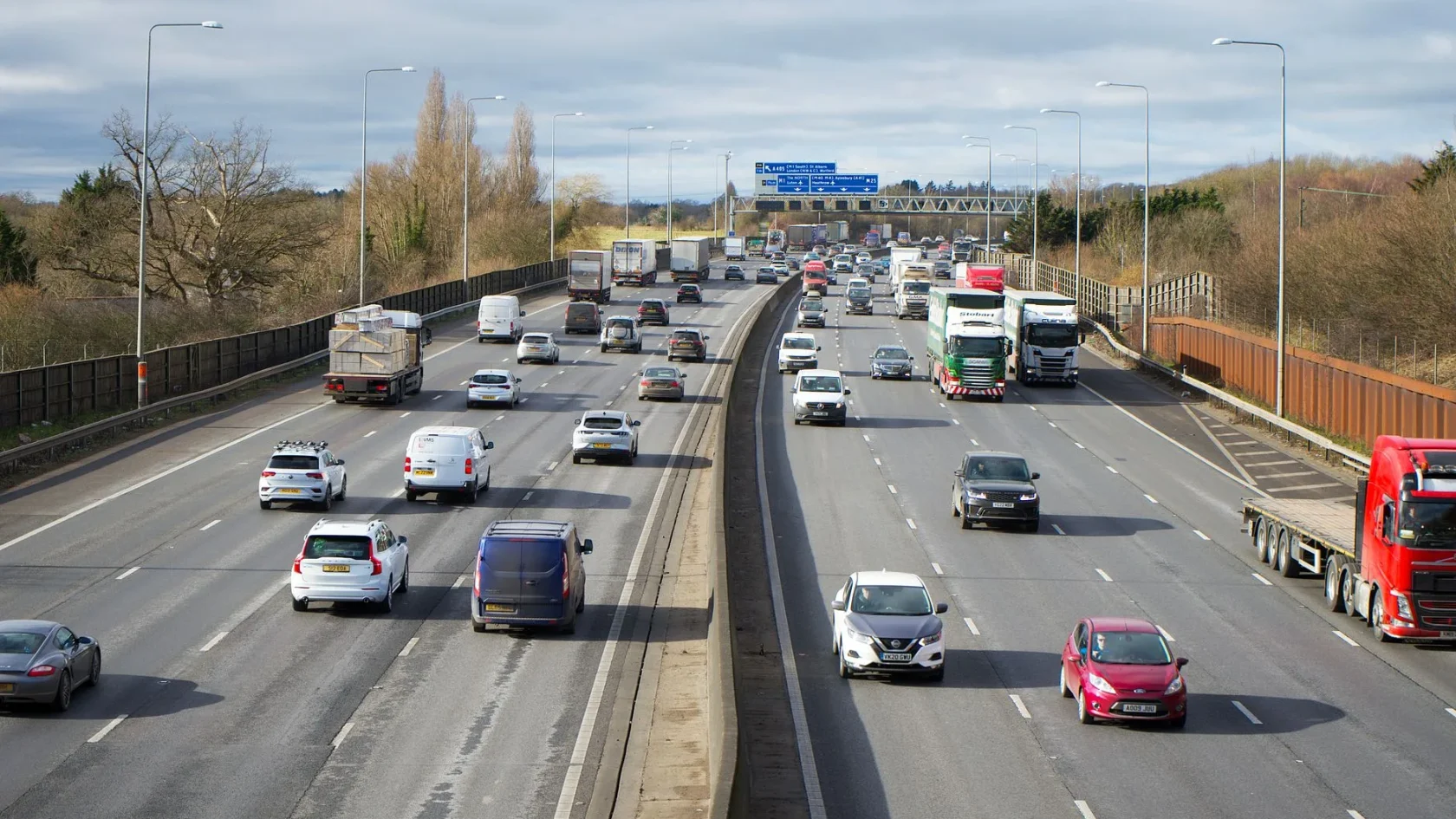
Set a speed, and let the car keep it. That was cruise control for forty years. Adaptive cruise control keeps the promise but adds the one thing that always made plain cruise nerve-racking in traffic: it watches the car in front of you and adjusts.
The first time it works, it feels uncanny. You are rolling down the interstate at 70, a slower truck merges in ahead, and instead of you diving for the brake, the car simply eases back, settles into a gap behind the truck, and holds there. When the truck moves over, you drift back up to 70 on your own. No pedal touched.
I calibrated the radar units that make this possible for years, and I want to show you what is happening under that calm behavior, how to actually use it well, and where it quietly hands the job back to you.
What adaptive cruise control is doing
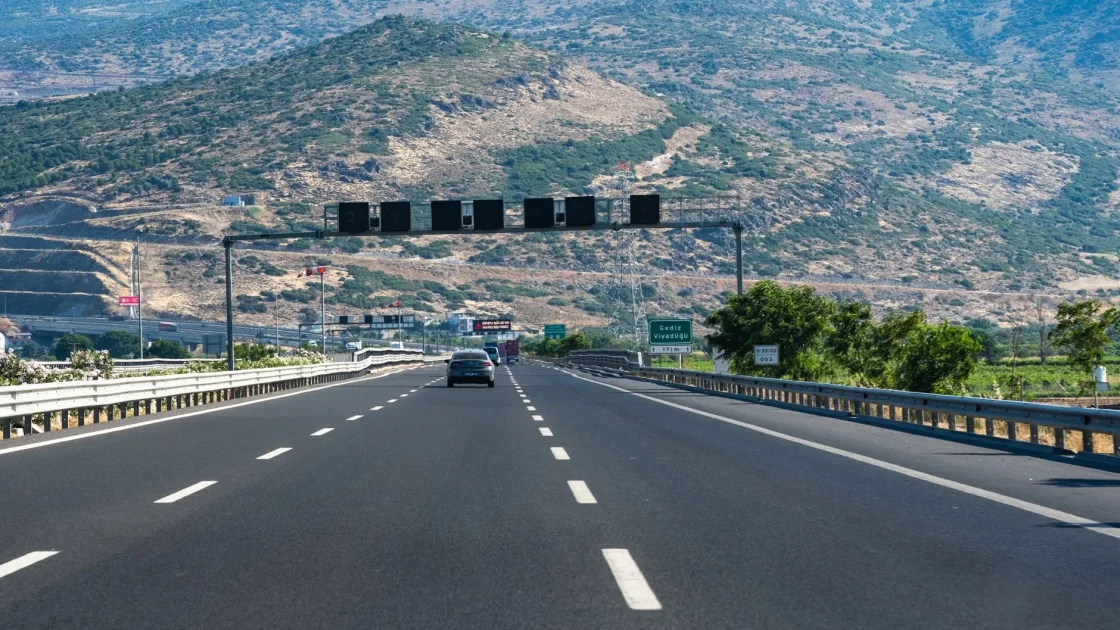
At its heart, adaptive cruise control, usually shortened to ACC, does two things at once. It holds a speed you choose, and it holds a following distance you choose. The speed part is just old cruise control. The distance part is the new trick, and it depends entirely on a sensor that can measure the gap to the car ahead many times per second.
That sensor is almost always radar, tucked behind the front grille or bumper. It fires radio waves forward and reads the echoes, which tell it how far away the car ahead is and how fast that gap is opening or closing. Some systems add the windshield camera to help identify what is a car and what is a road sign. If you want the deep version of how that hardware works, I wrote a full guide to car radar sensors.
The computer takes that stream of distance-and-speed data and does simple math: if the gap is shrinking, ease off the throttle; if it keeps shrinking, apply the brakes; once the gap opens again, roll back up to your set speed. It runs that loop constantly, which is why the car feels so smooth compared to a human stabbing at pedals.
How to actually use it
Using ACC is not hard, but a few habits make it far more pleasant. Here is the routine I give everyone.
-
Get up to speed first
Bring the car to the speed you actually want to travel, then set the system. Most cars have a “SET” button or a lever tap. Whatever speed you are doing at that moment becomes the target.
-
Choose your following distance
There is a separate button, often marked with a car-and-bars icon, that cycles through gap settings, usually short, medium, and long. Pick the gap that matches conditions. Longer in rain, longer at high speed.
-
Let it work, keep your feet ready
Rest your foot near the brake and let the system manage the throttle. Tapping the brake yourself cancels ACC instantly, which is exactly what you want in a surprise.
-
Resume when clear
After you brake or the system disengages, a “RES” button brings it back to your last set speed. Handy after exiting a slow patch.
Tip
Use a longer following-distance setting than feels necessary at first. The car brakes later and softer than an alert human would, so a bigger gap gives you a comfortable buffer while you learn to trust the system. You can always shorten it once you know how your car behaves.
Stop-and-go and traffic jams
Basic ACC works only above a certain speed, often around 20 to 25 mph, and shuts off if traffic crawls to a stop. Newer “stop and go” versions can bring the car to a full halt behind the car ahead and then move off again when traffic resumes, sometimes with a tap of the pedal or the resume button.
Pair that with lane centering and you get what many brands call traffic jam assist, which handles both the pedals and the steering in slow, bumper-to-bumper crawls. It is genuinely one of the most useful things a modern car does, and I broke it down in the guide to traffic jam assist. If you are trying to decide whether the adaptive version is worth it over plain cruise, the honest comparison is in adaptive cruise versus regular cruise control.
Where it hands the job back to you
ACC is a highway tool, and it is honest about its limits if you know them. It reads moving cars beautifully. It is far less sure about a car stopped dead in the lane, especially one it never “locked onto” while it was moving. Radar is tuned to track things that are moving relative to you, so a stationary object can slip past its attention in a way that surprises people.
It also gets confused on tight curves, where the car ahead swings out of the radar beam and your car may briefly speed up because it thinks the lane cleared. And it degrades in heavy rain, snow, or when the radar is caked with road grime, because a blind sensor cannot measure a gap. When any of that happens, the car usually warns you and hands control back. The National Highway Traffic Safety Administration keeps a plain-language rundown of these driver assistance technologies that is worth a read before you rely on any of it.
Watch out
Adaptive cruise control does not reliably stop for stopped objects. A stalled car, a traffic queue you approach fast, or a stopped truck can all be missed, especially if your car never tracked them while moving. Stay ready to brake yourself. This is assist, not autopilot.
When it stops working
If your adaptive cruise suddenly refuses to engage or throws a warning, the cause is usually mundane. A radar sensor packed with snow or mud, a windshield too dirty for the camera, or a stored fault after a dead battery are the top three I saw. A front-end repair that knocked the radar out of aim is another common one, and that needs recalibration, not a new part.
Before you panic or book a shop, it is worth running through the basics. I put together a checklist for exactly this in the guide to what to check when adaptive cruise is not working. And because ACC is only one member of a much larger family, seeing where it fits in the whole set is useful too; that map is in how modern driver assist systems work.
My honest take after years with these systems: adaptive cruise is the feature I would least want to give up on a long drive. It turns the tiring work of managing speed in flowing traffic into something the car just handles, and it does it smoothly. Learn its blind spots, give it a generous following gap, and keep your radar clean, and it will feel like it takes half the fatigue out of every road trip.
Frequently asked questions
Yes. Unlike plain cruise control, adaptive cruise can apply the brakes to keep your chosen following distance when the car ahead slows. On most systems it can slow you meaningfully and, on stop-and-go versions, bring you to a complete stop. It is not a substitute for emergency braking, though, so keep your foot ready.
Basic systems usually work above roughly 20 to 25 mph and switch off if traffic stops. Stop-and-go versions work from a standstill all the way up to highway speeds and can hold the car stopped behind traffic, then resume. Check your owner's manual for your car's exact lower limit, since it varies by brand.
Not reliably. Radar is tuned to track objects moving relative to you, so a car that is already stopped, or a traffic queue you approach quickly, can be missed, especially if your car never tracked it while it was moving. Always stay ready to brake yourself. Adaptive cruise assists you; it does not replace your attention.
The most common reasons are a radar sensor blocked by snow, mud, or ice, a windshield too dirty for the camera, or a fault stored after a dead battery. A front-end repair that knocked the radar out of alignment can also disable it until it is recalibrated. Cleaning the sensor or clearing the fault fixes most cases.
Keep reading
Related guides
Rear Cross-Traffic Alert, Explained
The two little radar units in your back bumper that watch for traffic while you reverse, decoded in plain English.
Read guide
Lane Keeping Assist vs Lane Centering
One is an occasional nudge, the other steers with you every mile. A former calibration tech sorts the two by what they actually do at the wheel.
Read guide
How Automatic Emergency Braking Works
The sensors, the escalation from beep to brake, and the honest limits of the assist feature with the clearest life-saving case.
Read guide