ADAS Explained: A Beginner’s Guide
A beginner's master guide to advanced driver-assistance systems, written by a former calibration tech.

Key takeaways
- ADAS stands for advanced driver-assistance systems: the cameras, radar, and software that help you drive but never drive for you.
- You almost certainly already use several ADAS features, including automatic braking, lane keeping, blind spot monitoring, and adaptive cruise.
- A blocked or dirty camera or radar is the top reason these systems switch off, not a broken part.
- ADAS is not self-driving; every feature assumes a human who is watching the road.
The acronym shows up on window stickers, in insurance quotes, and in the fine print of your car’s warranty, usually with no explanation attached. ADAS. Four letters that stand for a whole category of technology already sitting in most cars sold in the last decade, quietly doing its job until the day a light flashes on your dash and you have no idea what it wants.
I spent years as a calibration technician aiming the cameras and radar units that make these systems work, and the questions I heard most came from smart people who had simply never had any of it explained in plain language. So this is that explanation. ADAS stands for advanced driver-assistance systems, and by the end of this guide you will know what the term covers, what the individual features actually do, where the sensors hide, and how much of the driving you are still responsible for. Spoiler: all of it.
I am going to build this from the ground up, so if you have never thought about any of this before, you are in the right place. If you already know the basics, use the section links to jump to the deeper guides.
What ADAS actually means
ADAS is an umbrella term. It does not name one gadget; it names the whole family of features that use sensors and software to help you drive more safely. Some warn you. Some act for you. None of them drive the car.
Think of it as a set of extra eyes bolted onto the car. A camera behind the windshield watches the lane lines. A radar unit behind the front bumper measures the distance to the car ahead. Small sensors in the corners of the bumpers watch your blind spots and the traffic crossing behind you. Software reads all of that and decides whether to beep, tug the wheel, or hit the brakes.
The phrase you will see paired with ADAS is “driver-assistance,” and that word assistance is doing a lot of work. These systems assist. They do not replace you. If you want the deeper mechanical picture, I wrote a full breakdown of how modern driver-assist systems work that follows the signal from sensor to steering.
The features you almost certainly have
Most drivers use ADAS every day without naming it. Here are the ones that show up most often, roughly in the order you will meet them.
- Automatic emergency braking (AEB): the car brakes itself if it senses a crash you are not reacting to. Read how automatic emergency braking works for the full sequence.
- Forward collision warning: the beep and flashing symbol that fire a beat before AEB, giving you the chance to brake first.
- Lane departure warning and lane keeping assist: one warns you when you drift, the other nudges the wheel to keep you centered. The difference matters, and I cover it in lane keeping assist vs lane centering.
- Blind spot monitoring: the little amber light in your side mirror when a car sits where you cannot see it.
- Adaptive cruise control: cruise control that also keeps a set gap to the car ahead. See how adaptive cruise control works.
- Rear cross-traffic alert: a warning when someone is about to cross behind you as you back out of a parking spot.
There are more, but that short list covers what you will actually use on a normal Tuesday. Newer cars stack these features into packages with names like Toyota Safety Sense, Honda Sensing, or Subaru EyeSight, but strip the branding away and it is the same handful of tools underneath.
Where the sensors live
Knowing where the hardware sits explains most of the warning lights you will ever see, because a blocked or dirty sensor is the number one reason these systems go dark.
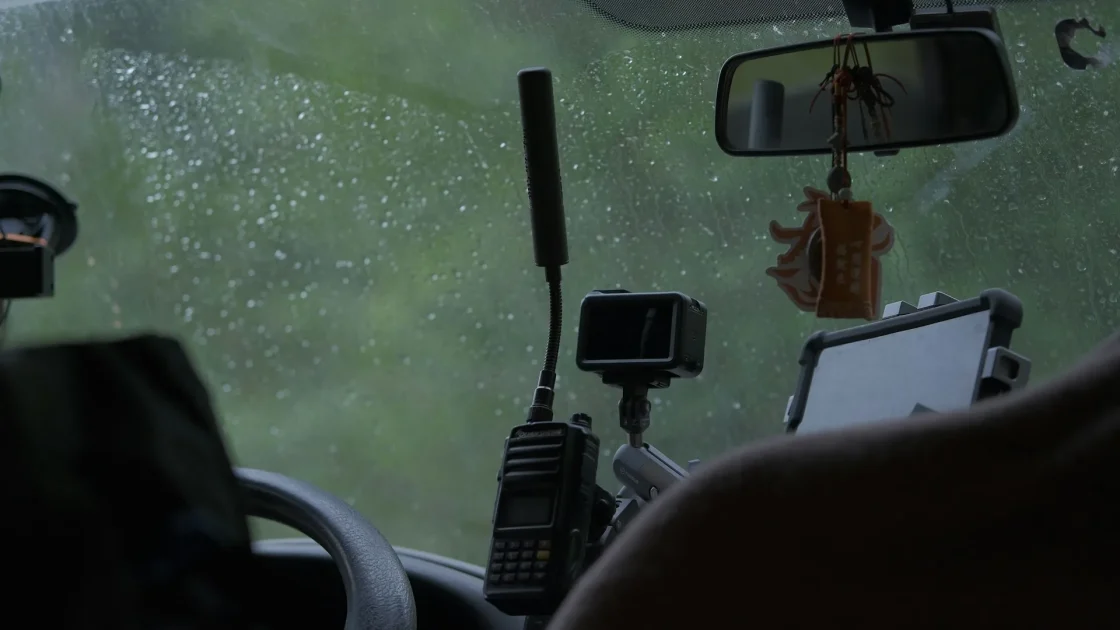
The main forward camera lives behind the rearview mirror, staring out through a small patch of windshield. That patch has to stay clean, which is why a smear of ice or a chip in the wrong spot can knock out lane keeping and AEB at once. I explain the placement in where the forward ADAS camera lives.
The forward radar hides low in the grille or behind the bumper, sometimes tucked behind the manufacturer emblem. The corner radar units sit inside the rear bumper for blind spot and cross-traffic duty. Ultrasonic parking sensors are the little round dots you can see and feel on the bumpers. For the full tour of the cameras and radar behind it all, start with the cameras and radar behind ADAS.
Tip
Before you panic about a warning light, walk around the car and look at the windshield, the grille, and the bumpers. Bugs, road film, snow, and a stray sticker cause more driver-assist faults than actual broken parts do.
What ADAS does not do
This is the part people get wrong, and getting it wrong is dangerous. ADAS is not self-driving. Not even close. Every system I have described is designed as a backup for a human who is paying attention, not a replacement for one.
Lane keeping assist will follow gentle highway curves, then let go on a sharp bend without warning. Adaptive cruise can miss a stopped car it never saw moving. Automatic braking reduces the severity of a crash more reliably than it prevents one outright. These are helpers, and helpers have bad days.
If you have ever wondered whether all this hardware means you can relax your hands and eyes, the honest answer lives in do you still need to pay attention, and the answer is yes, fully, every time. The line between assistance and automation trips up a lot of drivers, so I pulled it apart in is ADAS the same as self-driving.
Why the systems switch off sometimes
ADAS is honest about its own limits, which is a good thing even though it feels annoying. When a camera cannot see the lines or a radar cannot get a clean return, the system shuts itself down and tells you, usually with an amber symbol and a message like “unavailable.”
Heavy rain scatters radar and blinds cameras. Snow packs onto sensors and hides them completely. Low winter sun washes out a camera image. Bright green flashing symbols usually mean a feature just engaged, while steady amber usually means it stepped back. A quick sensor cleaning fixes most of these, and I walk through the winter cases in ADAS and winter driving.
A system that turns itself off in bad weather is not broken. It is refusing to guess when it cannot see, which is exactly what you want a safety system to do.
Is any of it worth having
Short version: yes, and the crash data backs it up. The Insurance Institute for Highway Safety has found that AEB with forward collision warning cuts rear-end crashes by roughly half, and blind spot monitoring measurably reduces lane-change collisions. You can read the research summaries at the IIHS.
That does not mean every feature earns its keep for every driver. Some people find lane keeping too intrusive and switch it off. Others rely on adaptive cruise for every commute. I laid out the honest cost-benefit in are driver-assist systems worth it, and if you are shopping used, the checklist in ADAS features to check on a used car will save you from buying a system that no longer works.
Where to go from here
You now have the shape of the whole thing. ADAS is a family of camera and radar features that assist a paying-attention driver, switch off when they cannot see, and quietly prevent a lot of crashes. That is genuinely most of what you need.
If a specific light is bugging you right now, the fastest path is what your ADAS warning lights actually mean, which decodes the symbols one by one. If you like understanding how things work, the sensor and systems guides linked above go as deep as you want. And if the jargon starts piling up, keep the ADAS terms glossary open in another tab. Start anywhere. The car has been doing this for you all along; now you know its name.
Frequently asked questions
ADAS stands for advanced driver-assistance systems. It is an umbrella term for the cameras, radar, and software that warn you or briefly act to help you avoid a crash. It covers features like automatic emergency braking, lane keeping, and blind spot monitoring rather than naming a single device.
No. ADAS assists a human driver who is still fully in charge, while self-driving would replace that driver. Every ADAS feature is designed as a backup for someone paying attention, and all of them expect your hands and eyes to stay on the job.
Most new cars sold in the last several years include at least automatic emergency braking and forward collision warning, and many bundle lane keeping and blind spot monitoring as standard. Coverage varies by brand and trim, so the exact features depend on the specific car.
Rain, snow, road film, and low sun can blind the cameras and scatter the radar, so the system shuts itself down rather than guess. This is normal and usually clears once the sensors can see again or you wipe them clean.
Most features like lane keeping and forward collision warning can be switched off through the dashboard menu or a physical button, though many reset to on each time you restart the car. Automatic emergency braking is often harder to disable by design because it is a core safety function.
Keep reading
Related guides
Common Driver-Assist Mistakes to Avoid
Small misunderstandings about how driver-assist features work lead to the same avoidable mistakes over and over, and every one of them is easy to fix.
Read guide
How Reliable Is Automatic Braking?
What automatic emergency braking really catches, where it misses, and how to keep it trustworthy.
Read guide
The Future of Driver-Assist Tech
Where driver-assist technology is actually heading, minus the hype, from someone who has calibrated the sensors it all depends on.
Read guide